Windows 11's June update arrives with a focus on refining rather than revolutionizing. Microsoft has taken a methodical approach, targeting background task efficiency and memory allocation without introducing sweeping new features. The result is a system that feels more responsive in everyday use, though the gains are subtle enough to avoid drawing attention unless users pay close attention.
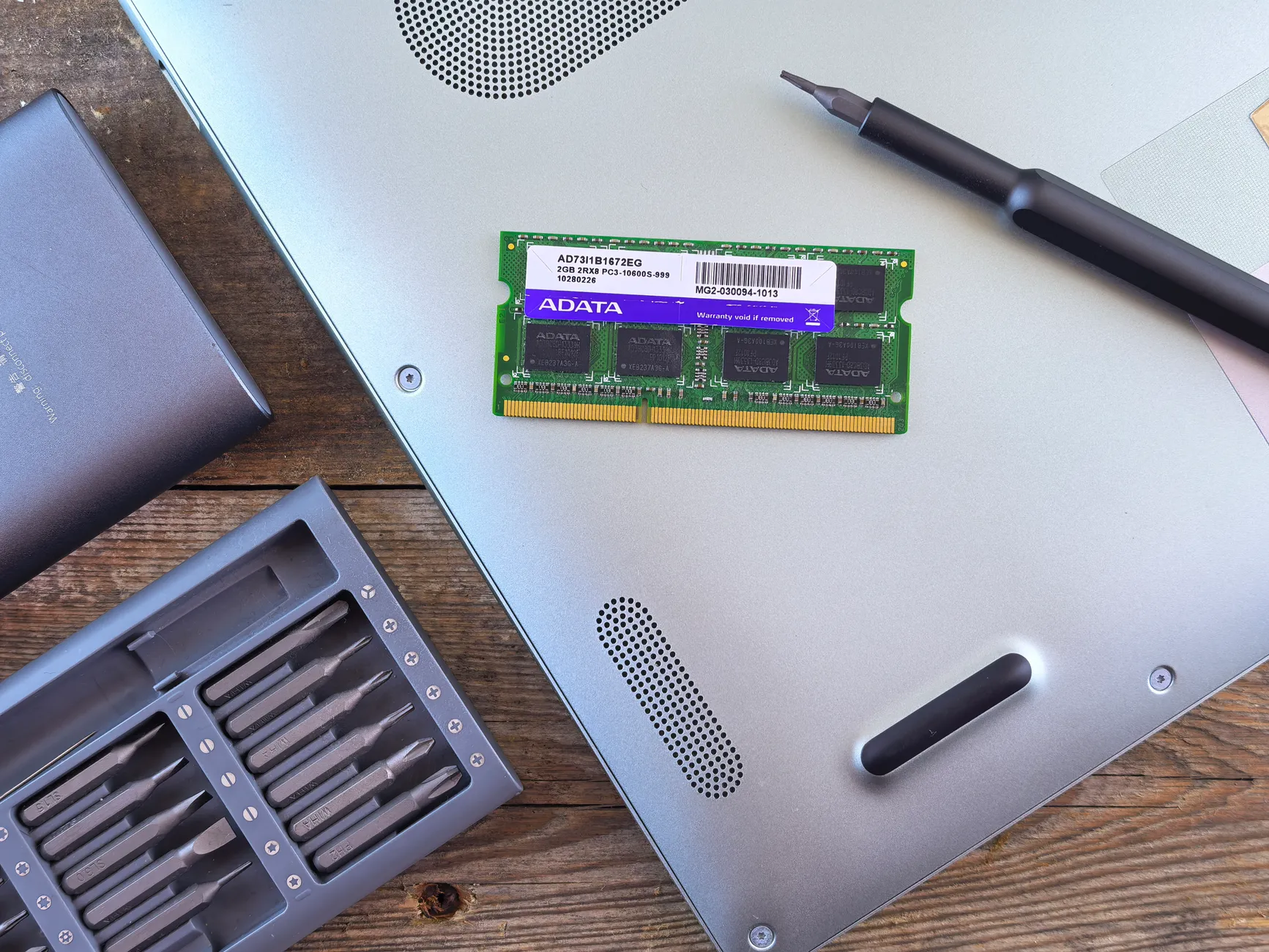
The most noticeable change lies in how Windows handles RAM. The update introduces a more aggressive caching mechanism, ensuring that less frequently used data remains readily accessible without consuming excessive memory. While individual app load times remain dependent on hardware, this adjustment smooths out multitasking by reducing the delay when switching between applications.
Background process optimization is another key area of improvement. Windows 11 now prioritizes critical system services more effectively, minimizing instances where non-essential processes consume unnecessary CPU cycles. This addresses a persistent user frustration: the occasional lag when transitioning between tasks or opening new windows. The change isn't dramatic in benchmark terms, but it translates to a more fluid experience for users who juggle multiple applications.
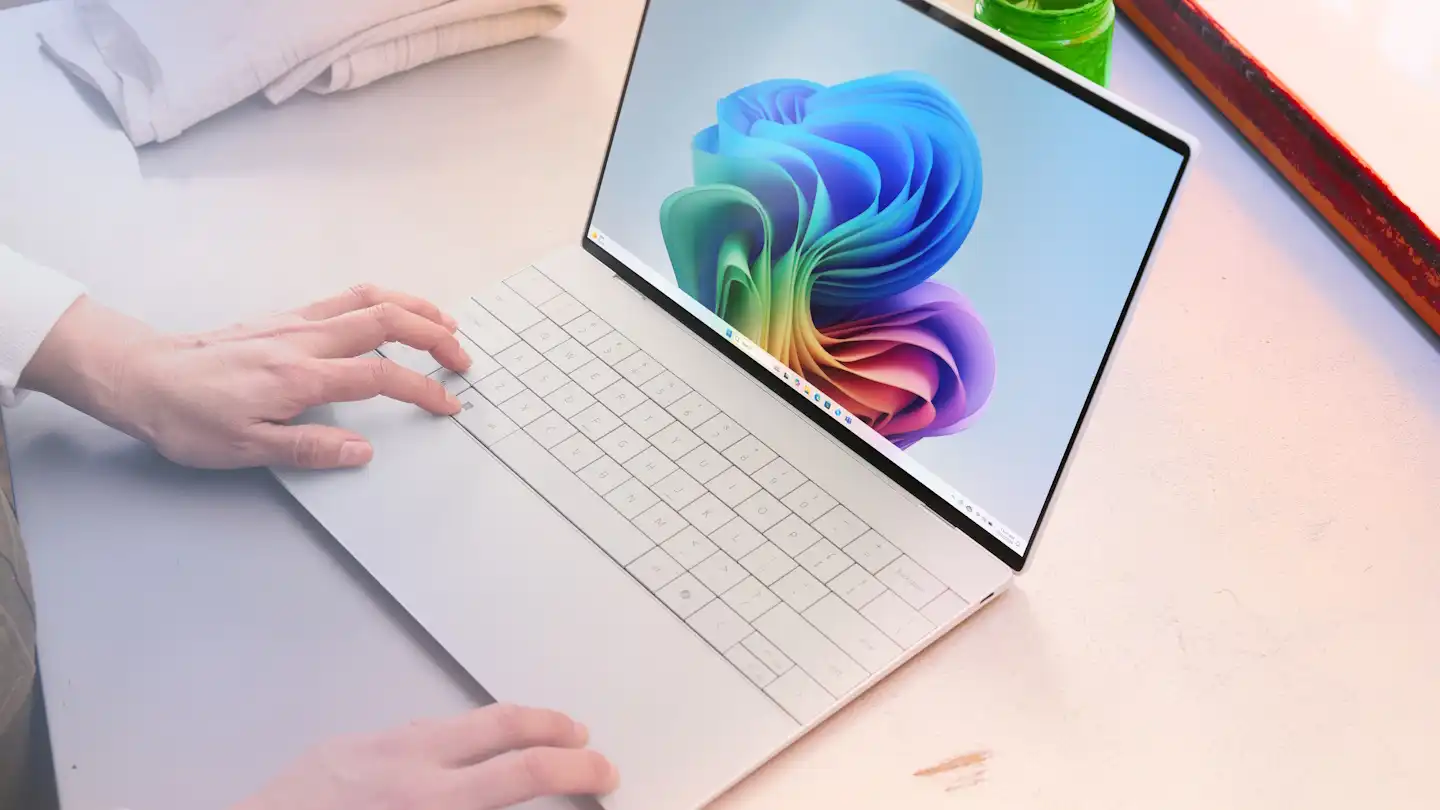
For IT administrators managing large-scale deployments, the update brings stability-focused refinements rather than performance boosts. One such adjustment is improved power state management during idle periods, which could extend battery life on laptops without compromising responsiveness. However, these improvements are incremental and unlikely to replace hardware upgrades for users with demanding workloads.
Cautious adopters should be aware that some optimizations are tailored to newer CPU generations. Older processors may not benefit as significantly, particularly in memory management. Additionally, the update doesn't introduce major new features that would necessitate an immediate upgrade—it's purely about refining existing functionality.
For most users, this update will feel like a gentle performance nudge rather than a groundbreaking overhaul. Those who rely on Windows 11 for light productivity or media consumption may notice a difference in system responsiveness, but the changes are subtle enough to avoid overshadowing the need for future-proofing investments. Over time, these tweaks could accumulate, but for now, Microsoft's focus remains on steady progress rather than transformative leaps.