Windows 11 is being rebuilt from the ground up—not just another update, but a full reset of how the OS behaves under load. The focus isn’t just on raw speed, but on stability during heavy tasks and the ability to fine-tune system behavior without sacrificing performance.
The changes are layered: at the hardware level, Microsoft is tweaking memory management and background processes; at the user interface, new controls let users adjust how aggressively the OS uses resources. The goal is a system that feels faster in everyday use but doesn’t collapse under gaming or video editing workloads.
For power users, this means deeper control over what runs when and how much RAM is reserved for background tasks. For casual users, it’s about smoother multitasking—no more sudden slowdowns when switching between apps or opening multiple browser tabs. But not every change will land on every device; some features are tied to newer hardware or specific processor families.
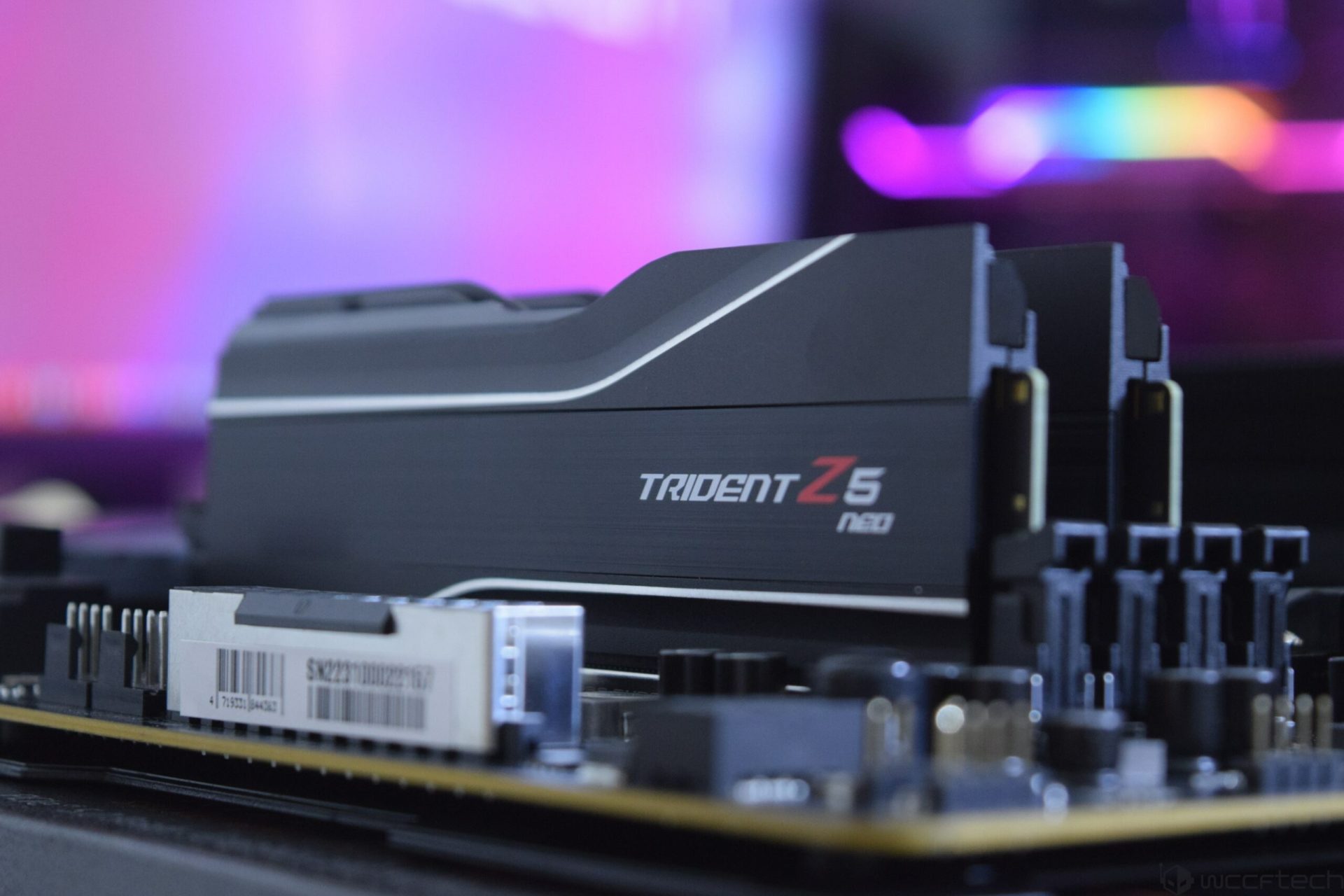
At the core of the update is a revamped memory allocator that reduces fragmentation and cuts down on background noise. Microsoft claims this can lead to up to 15% less RAM usage in certain scenarios, which translates to more headroom for applications. There’s also a new ‘Performance Profile’ setting buried in Windows settings, letting users choose between ‘Balanced,’ ‘Power Saver,’ or ‘Max Performance’ modes—similar to graphics driver profiles but system-wide.
One detail worth noting: this reset isn’t just about the current generation of PCs. Microsoft has been quietly refining memory management since Windows 10, and these changes build on that work. But where past updates were incremental, this one is more deliberate—a recognition that modern apps and games demand a different kind of stability.
For everyday buyers, the biggest win may be stability during multitasking. Casual users who juggle a few browser tabs, a streaming app, and maybe a document won’t notice a dramatic difference, but they’ll see fewer hitches when switching between tasks. Power users—especially those running older hardware or pushing CPUs to their limits—will feel the difference most acutely.
Who should skip? Users on very recent hardware with plenty of RAM may not need this fix. Those already comfortable with tweaking system settings can opt out if they prefer the current behavior. But for anyone who’s ever watched a video edit stutter because the OS decided to defragment in the background, these updates could be a game-changer.
The changes begin rolling out in late 2024, starting with Insider builds and expanding to the stable channel over the next few months. No word yet on whether this will trigger a new Windows version number—Microsoft has been quiet on that front—but the engineering effort suggests something more substantial than a minor patch.