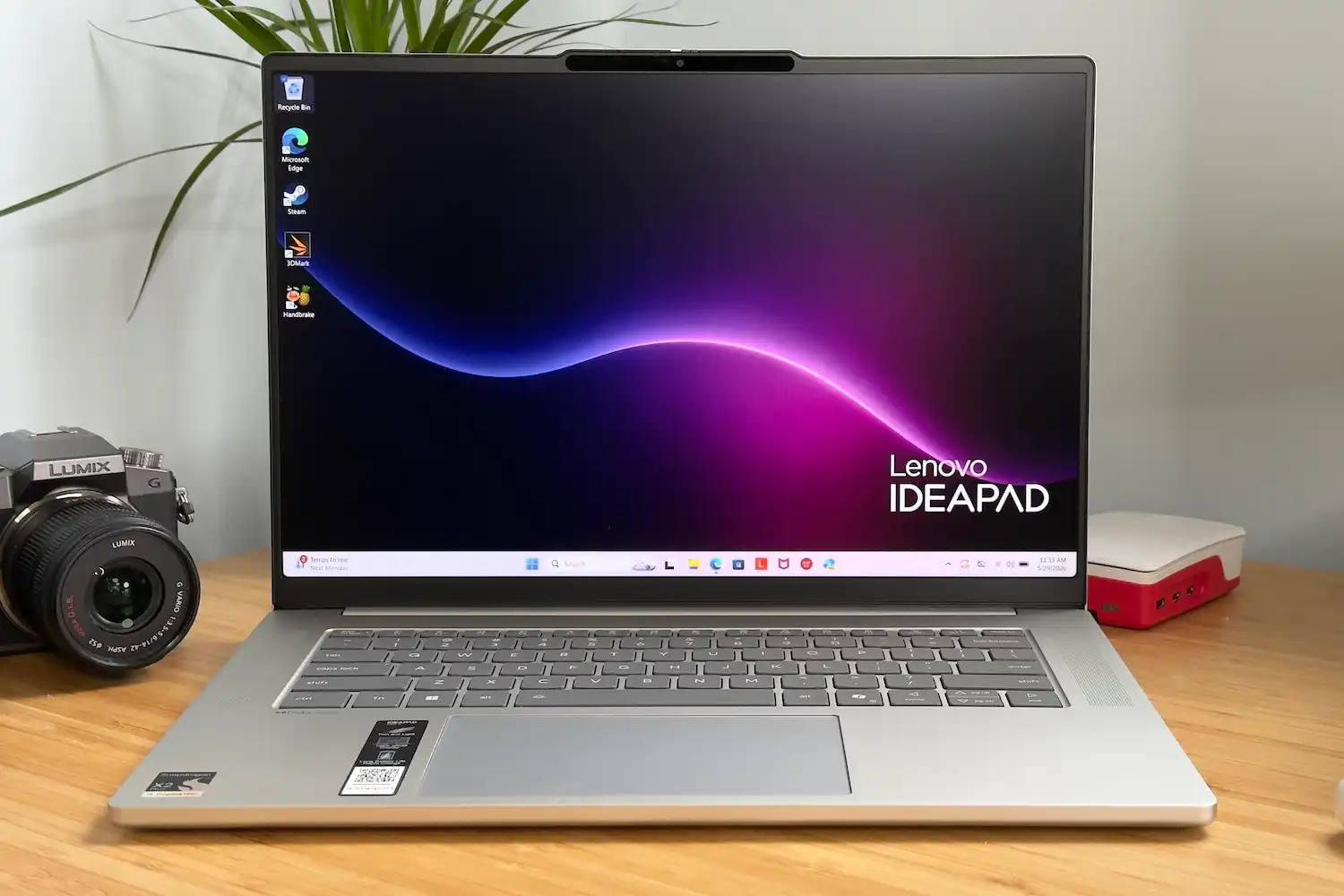
Every time a user reinstalls an operating system on an older PC, they are essentially resetting its performance clock to near-factory levels—at least temporarily. The immediate benefits are undeniable: boot times that drop from two minutes to under thirty seconds, smoother transitions between applications, and a noticeable reduction in stutter during video playback. Yet these gains are finite. After six months of accumulated updates, reinstalled software, and returning user habits, the system gradually drifts back toward its original sluggishness.
This cycle highlights a fundamental truth about legacy hardware: while optimizations can restore lost performance, they cannot reverse the underlying degradation of components. A 5400-rpm hard drive, for example, will always read data slower than a 7200-rpm model—even after defragmentation and cleanup. The same applies to memory modules that have seen years of wear or thermal throttling that tightens its operational headroom with each passing month.
- Reinstalling the OS removes accumulated bloat but does not address physical hardware constraints such as degraded NAND cells in SSDs or reduced fan efficiency due to dust buildup.
- Disabling startup programs frees up CPU cycles, but over time, users reinstall the same software, negating long-term gains unless enforced through group policies or strict IT controls.
- Driver rollbacks can reduce stutter, but only if the problematic versions are known and stable alternatives exist—something that requires deep technical knowledge or vendor support.
The most sustainable approach is to combine periodic software resets with targeted hardware maintenance. Replacing a failing hard drive with an SSD, for instance, delivers a speed boost that far exceeds any software-only fix. However, this is a one-time gain; beyond a certain point, even the fastest storage device cannot compensate for a CPU or GPU that has been operating at elevated temperatures for years.
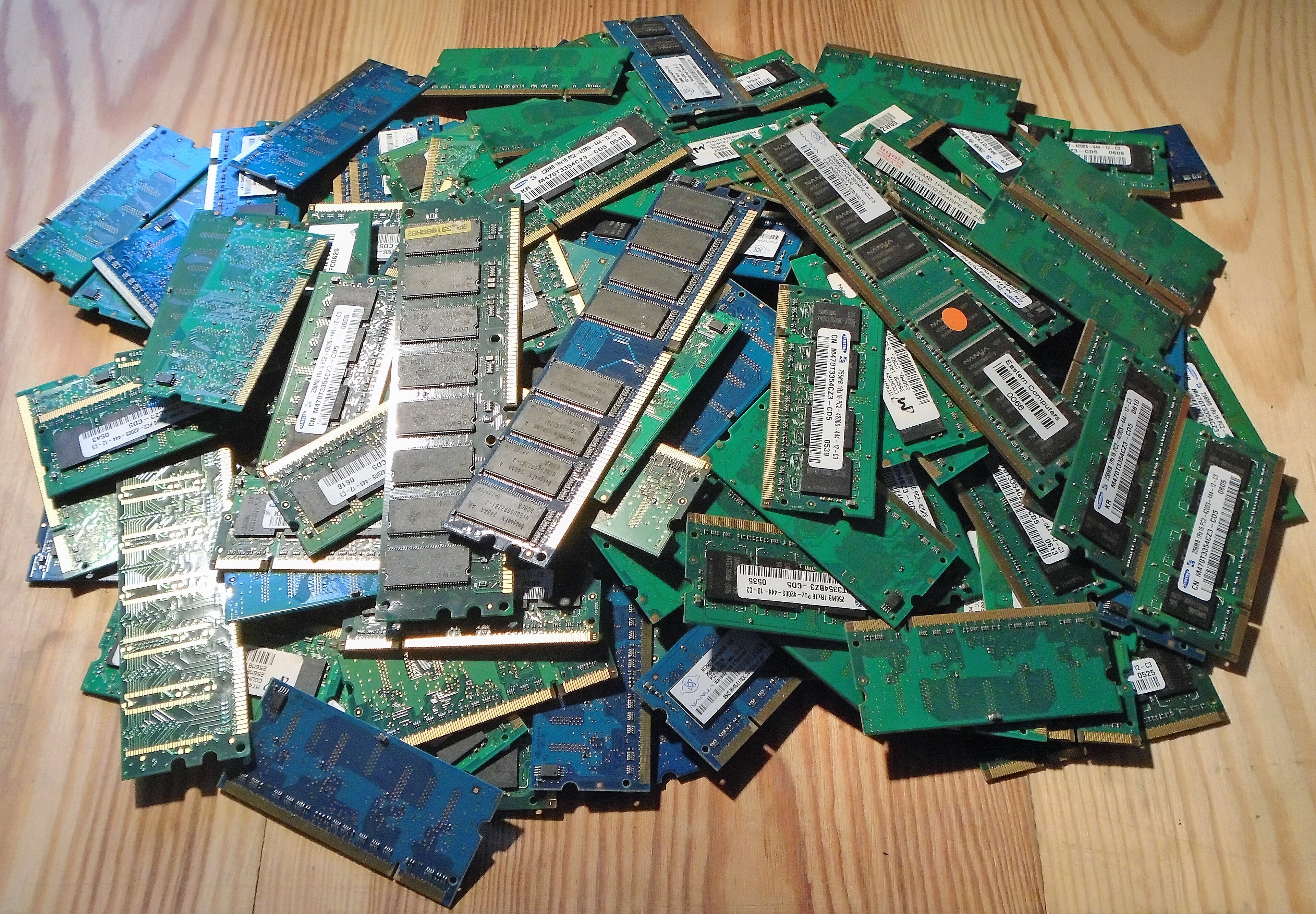
Developers often face a different set of constraints when working on older laptops. Virtual machines benefit from increased RAM allocation, but only up to the physical limit of the machine’s DIMMs. Disabling hardware acceleration can speed up build processes, yet it may introduce subtle rendering errors that go unnoticed until later stages of development.
Ultimately, the question is not whether optimizations work, but how long they last before hardware limitations reassert themselves. A system that has been pushed to its limits for five years will show signs of strain no matter how clean its registry or how fast its SSD. At that point, incremental fixes become a band-aid on a deeper structural issue.
For users who cannot afford an immediate upgrade, the best strategy is to focus on storage optimization and periodic software resets—methods that offer measurable, if temporary, relief. But even these measures have their limits. When performance no longer responds to tweaks, the only viable path forward is a full hardware refresh, where modern components are designed from the ground up to sustain such optimizations for far longer than legacy platforms ever could.