LG has expanded the niche category of 6K monitors with the Ultrafine Evo 32U990A-S, a 31.5-inch display that combines high-resolution visuals with Thunderbolt 5 capabilities. While its pixel density and color accuracy make it a strong contender for creative professionals, the monitor’s software and motion handling reveal areas where it doesn’t fully compete with premium alternatives.
The 32U990A-S stands out in a market where 6K displays remain rare. Its 6144×3456 resolution—over 21 million pixels—delivers a pixel density of 224 PPI, a significant jump from standard 4K monitors. This sharpness is particularly useful for tasks like video editing, where viewing 4K content without zooming becomes possible. However, the monitor’s 60Hz refresh rate and 5ms response time limit its appeal for fast-paced applications like gaming or competitive workflows.
Key Specs
- Display: 31.5-inch Nano IPS Black panel, 6144×3456 resolution, 224 PPI, 16:9 aspect ratio, 60Hz, VESA DisplayHDR 600 certified
- Connectivity: 1x HDMI 2.1, 1x DisplayPort 2.1, 1x Thunderbolt 5/USB-C (96W Power Delivery), 1x Thunderbolt 5/USB-C (DisplayPort MST-out for daisy-chaining), 2x USB-C 3.2 Gen 2 downstream
- Audio: Built-in 2-3W speakers
- Software: LG Calibration Studio (requires external colorimeter), LG Switch for display management
- Design: Slim profile, compact stand with height/tilt/90° pivot, 100x100mm VESA mount
- Power: External 8x4x1.5-inch power supply
- Price: $1,999.99 (MSRP), currently available for $1,996.99
The monitor’s Thunderbolt 5 port is a standout feature, offering 96 watts of Power Delivery—enough to charge mid-range Windows laptops and all MacBook Pro models. The inclusion of a downstream Thunderbolt 5 port allows for daisy-chaining additional displays or storage devices, reducing cable clutter. However, the absence of USB-A ports or Ethernet limits its utility as a standalone hub compared to competitors like the Dell U3224KB.
Color and Brightness: A Strong Foundation
Where the 32U990A-S excels is in color performance. It covers 96% of DCI-P3 and 100% of AdobeRGB, with an 82% Rec.2020 gamut, making it well-suited for professional workflows. Color accuracy is exceptional, with an average error of just 0.73 delta-E, though the default color temperature of 7000K leans toward a cooler, less natural tone. The monitor’s 480 nits of SDR brightness and 748 nits of HDR brightness are solid, though reflections on the semi-gloss panel and lack of local dimming in HDR scenes detract from its premium feel.
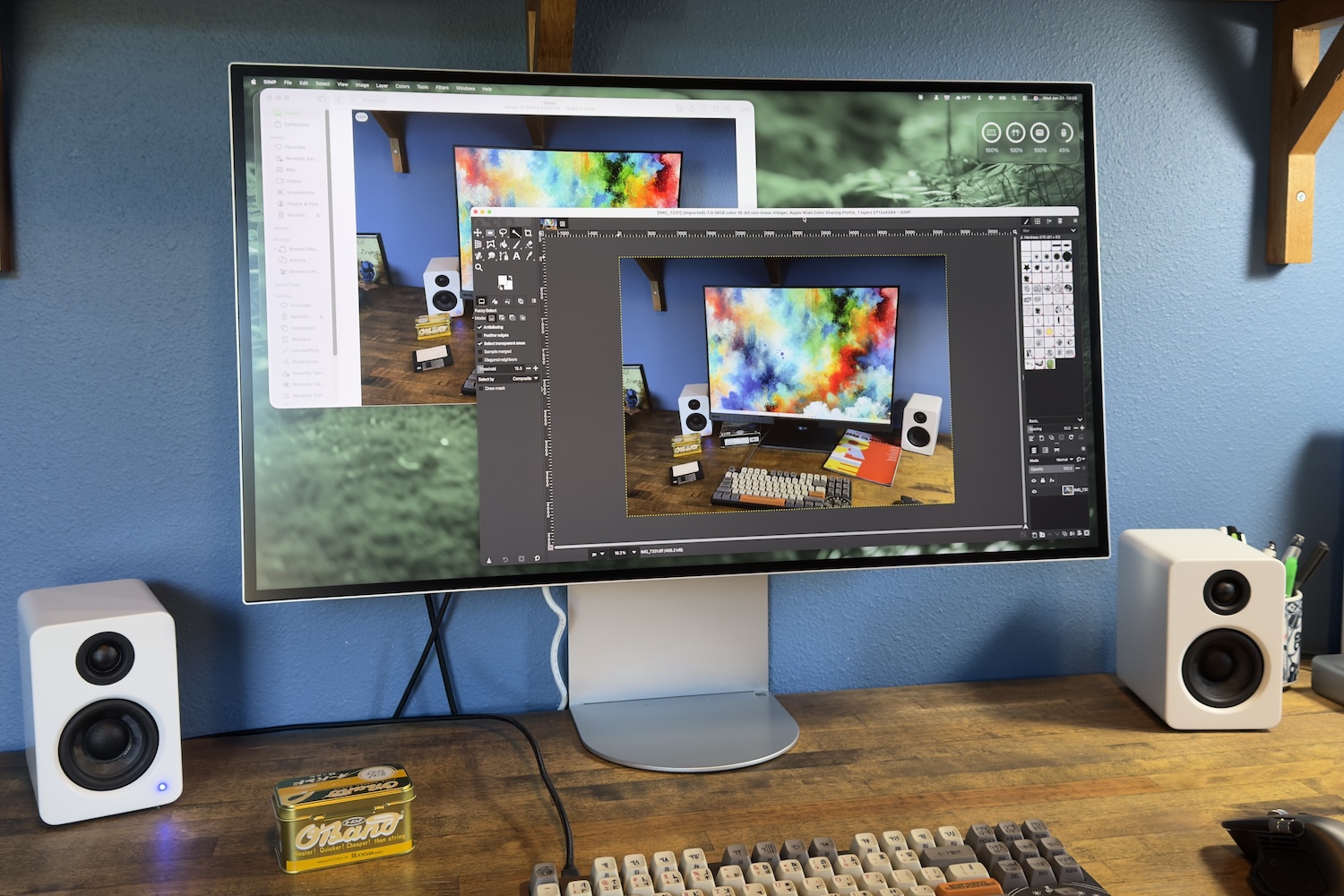
Contrast, measured at 1500:1, is adequate but not outstanding, and backlight bleed is noticeable in dark scenes—a common issue with IPS panels. For users prioritizing HDR performance, alternatives with better dynamic contrast, such as OLED displays, may still be preferable.
Software and Usability: A Missed Opportunity
The monitor’s menu system is its weakest point. The on-screen controls are clunky, with a vertically oriented menu that feels misaligned with the joystick’s central placement. Fine-tuning options for color temperature and gamma are notably absent, forcing users to rely on third-party software for precise calibration. LG’s Calibration Studio, while functional, lacks the hardware colorimeter included with competitors like Dell and BenQ, making its utility questionable.
Additional frustrations include an unreliable automatic brightness sensor and the absence of a remote control. The lack of swivel functionality in the stand—unlike competitors that offer full rotation—further limits flexibility in multi-tasking setups.
Who Should Buy It?
The LG Ultrafine Evo 32U990A-S is best suited for creative professionals who prioritize color accuracy and Thunderbolt 5 connectivity over motion performance or software polish. Its high resolution makes it ideal for tasks like video editing, photography, and graphic design, where sharpness and wide color gamuts are critical. However, gamers or users needing high refresh rates will find it lacking.
At $1,999.99, it sits between more affordable 6K options like the Asus ProArt PA32QCV and far pricier alternatives like the Apple Pro Display XDR. While its price is justified by its Thunderbolt 5 support and color performance, the monitor’s software shortcomings may deter users accustomed to more refined interfaces.
For those willing to overlook its usability quirks, the 32U990A-S offers a compelling blend of high resolution and professional-grade color. But it’s not without trade-offs—particularly in motion handling and software refinement—that set it apart from the competition in ways that may not always favor LG.