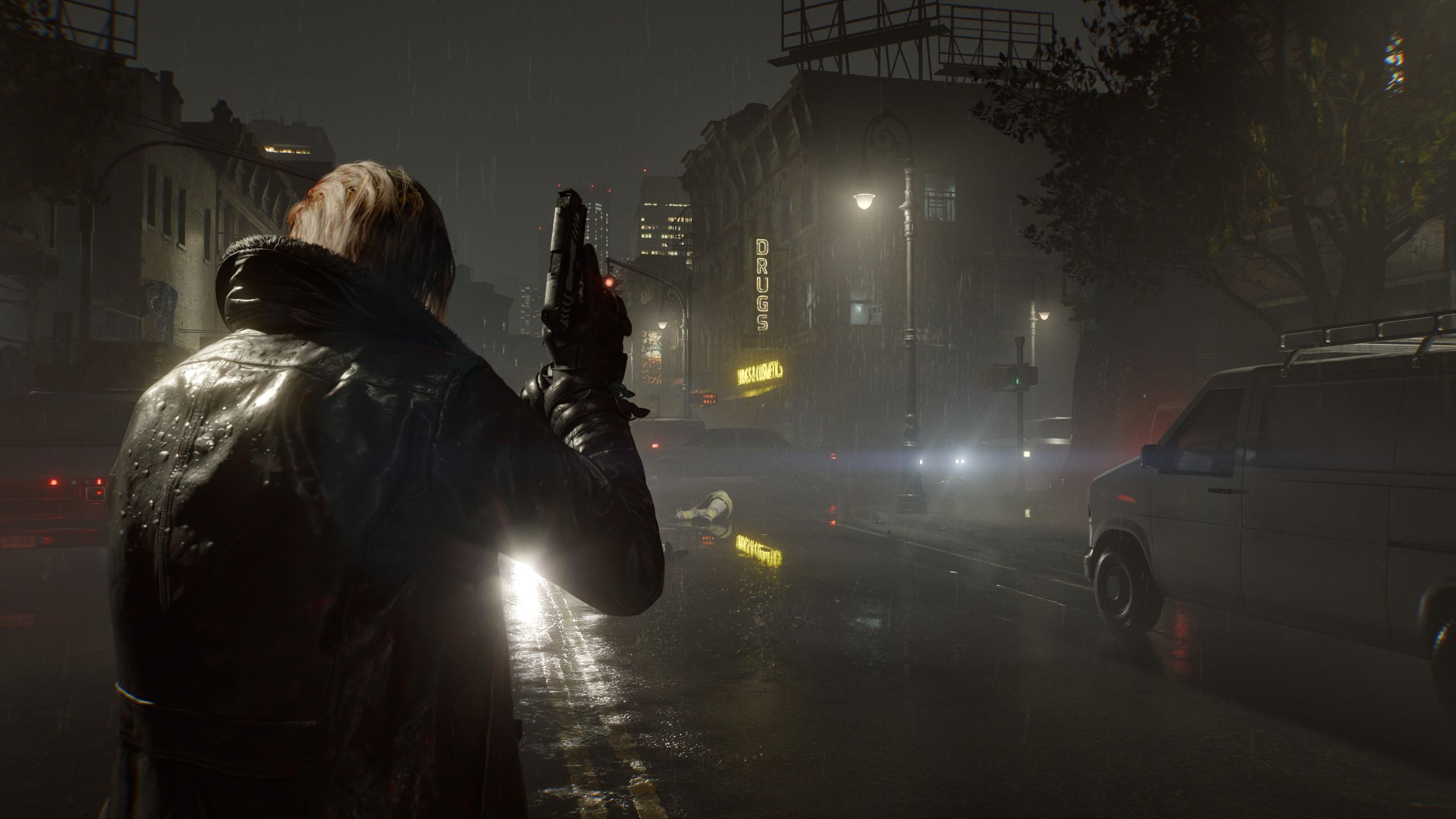
Resident Evil Requiem arrives with Capcom’s RE Engine, delivering a mix of survival horror and high-octane action while introducing advanced lighting effects through ray tracing. But how does it perform across different hardware tiers? The answer varies dramatically—from unplayable on handhelds to flawless on high-end rigs.
The game’s visual demands are substantial, leveraging modern GPU features like ray tracing and upscaling technologies. Testing across five distinct systems—ranging from a 15W handheld to an RTX 5090 powerhouse—reveals stark performance divides, particularly when enabling advanced rendering modes.
Key Systems Tested
- Asus ROG Ally (15W, RTX 4050 6GB) – Struggles even at lowest settings, despite VRAM tweaks.
- Entry-Level Laptop (Ryzen 7 7735HS, RTX 4050) – Handles 1080p with ray tracing enabled, though frame consistency suffers.
- Mid-Range Desktop (Core i7 9700K, RX 5700 XT) – Older hardware chokes without ray tracing, but upscaling mitigates some losses.
- High-End Workstation (Ryzen 7 5700X3D, RTX 3060 Ti) – Smooth 1440p performance; ray tracing adds visual fidelity with minimal hit.
- Ultra-High-End (Ryzen 9 9950X3D, RTX 5090) – Only system capable of path tracing at 4K with frame generation.
Performance Observations
Handheld gaming PCs like the ROG Ally fail to meet expectations, unable to render the game at playable frame rates even with VRAM adjustments. The shift to a discrete GPU (RTX 4050) dramatically improves results, though VRAM constraints persist. Mid-range systems show promise but expose CPU bottlenecks, particularly during asset-heavy sequences.
High-end configurations excel, with the RTX 3060 Ti and RX 7900 XT delivering stable frame rates at 1440p. Ray tracing is viable on these setups, though AMD’s RDNA 3 architecture lags behind Nvidia’s DLSS implementation. Only the RTX 5090 justifies path tracing, requiring frame generation to maintain smoothness.
Upscaling and Frame Generation
Frame generation (FSR 3.1/DLSS 4) is a necessity for high-end users. Nvidia’s DLSS 4 Multi-Frame Generation on the RTX 5090 offers the best balance of performance and visuals, while AMD’s FSR remains effective but introduces slight input lag. Intel’s XeSS is notably absent, a significant omission for Arc GPU owners.
For most gamers, enabling upscaling is advisable—Capcom’s implementation avoids artifacts, and the trade-off between resolution and frame rate is minimal. However, frame generation should be reserved for systems capable of baseline 60+ FPS, as latency spikes can disrupt fast-paced combat.
Recommendations for Admins and IT Teams
- Handheld/Entry-Level Users: Disable ray tracing and upscale aggressively (FSR Performance). Expect 30–45 FPS at 720p/1080p.
- Mid-Range Desktops: Use DLSS/FSR Quality mode at 1440p. Monitor CPU usage during asset loads—consider undervolting if stability is an issue.
- High-End Workstations: Enable ray tracing (Normal mode) and frame generation. Test input latency before enabling Multi-Frame Generation.
- Ultra-High-End: Path tracing is viable only with frame generation. Allocate extra VRAM for 4K rendering.
- All Systems: Patch promptly—frame time spikes may be addressed in updates. Avoid XeSS until support is confirmed.
The takeaway? Resident Evil Requiem is a GPU-intensive title, but modern upscaling tools make it accessible across most systems. Admins should prioritize VRAM allocation and monitor driver updates, as Capcom’s implementation of advanced features hinges on hardware-specific optimizations.