Most PC users assume RAM lasts forever—it doesn’t wear out like a mechanical hard drive, after all. But electrical stress, inconsistent power delivery, and prolonged exposure to high temperatures can shorten its effective lifespan far more than expected. The problem? RAM degradation doesn’t announce itself with dramatic failures. Instead, it leaks performance like a slow memory leak—until the system stutters, crashes, or refuses to boot entirely.
RAM, or random access memory, is volatile storage that temporarily holds data for the CPU to process. Unlike SSDs or HDDs, it doesn’t have moving parts, but its integrated circuits are sensitive to voltage spikes, poor cooling, and even the quality of the power supply. Over time, these factors can corrupt memory cells, leading to intermittent errors that escalate into system instability.
What changes? Most RAM modules are rated for 100,000 to 1,000,000 power-on cycles before degradation becomes noticeable, but real-world usage varies widely. High-end gaming or workstation RAM, often running at higher voltages (1.35V–1.5V instead of the standard 1.2V), degrades faster than standard consumer kits. Even a slightly loose power connection or a failing motherboard regulator can accelerate the process.
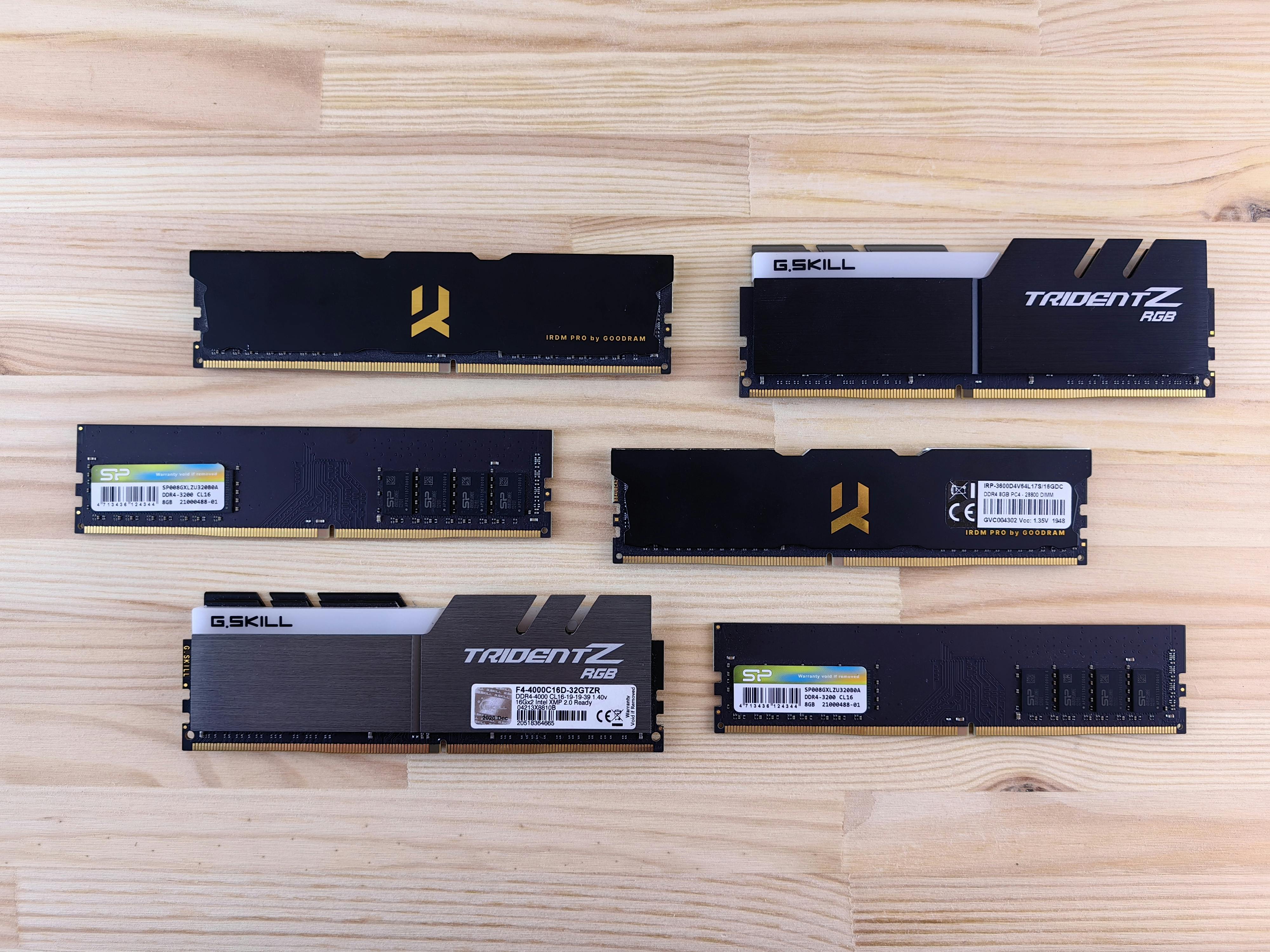
Why does it matter? Unlike a failing hard drive, which may throw visible errors, RAM issues often manifest as random crashes, blue screens, or applications freezing without explanation. Worse, these problems can mimic software conflicts or driver failures, making diagnosis frustratingly difficult. Left unchecked, degraded RAM can corrupt files, cause data loss, or even render a system unusable.
How do you spot trouble before it crashes your system? Start with diagnostic tools like Windows’ built-in Memory Diagnostic or third-party utilities such as MemTest86. Run multiple passes to check for errors—even a single failed test indicates potential degradation. Physical inspection is also critical: ensure RAM modules are seated firmly in their slots and that your system’s cooling isn’t restricting airflow. If your PC runs hot, consider undervolting RAM (if supported) or upgrading thermal solutions.
For those with high-end setups, manufacturers like Corsair, Kingston, and G.Skill offer limited warranties (typically lifetime, but with conditions), so check documentation before replacing modules. In extreme cases, a failing power supply or motherboard component may be the root cause, requiring deeper investigation. The key takeaway? RAM doesn’t die quietly—it whispers first. Listen.