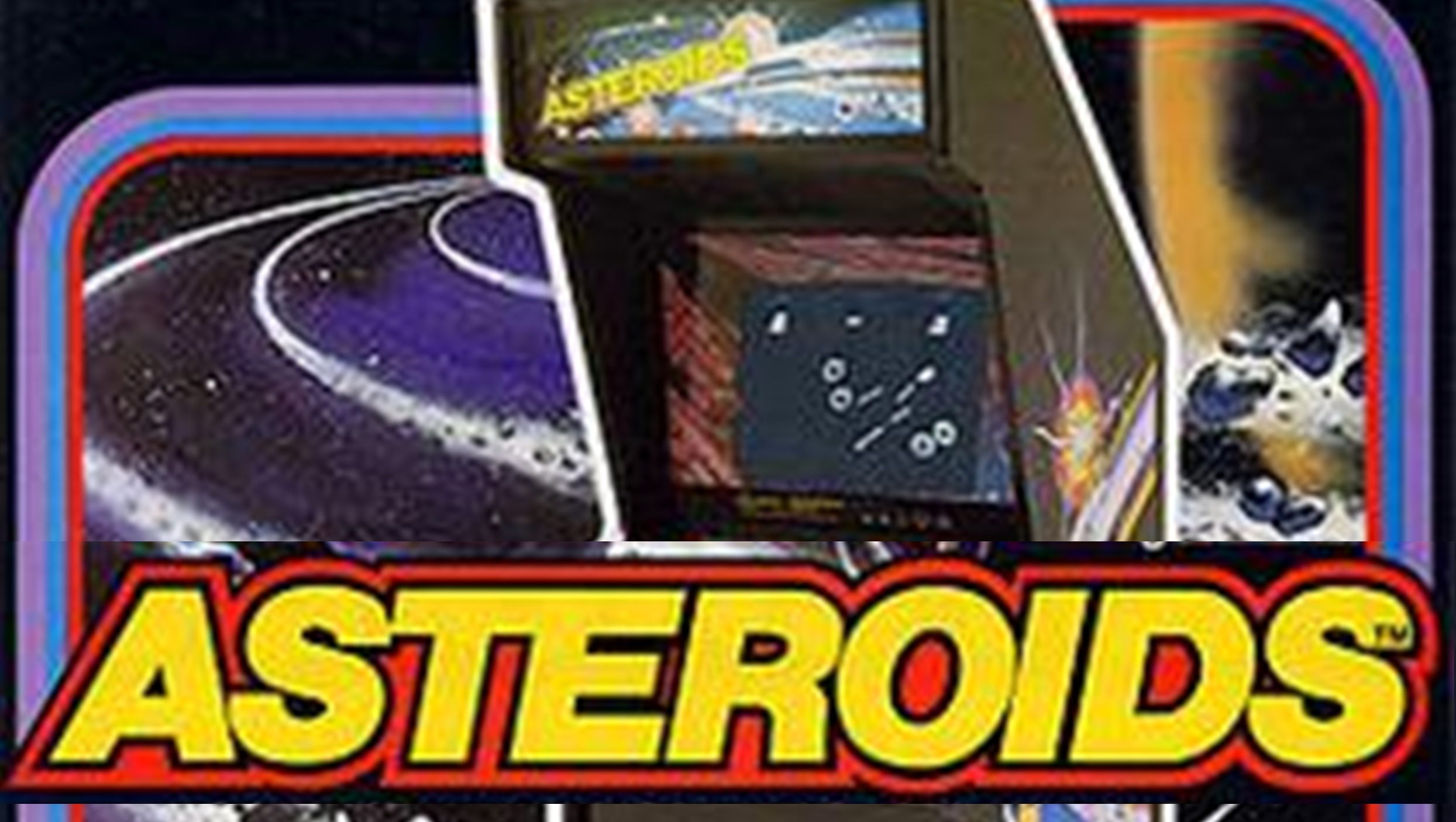
Microsoft has introduced a unique feature within its PowerToys suite that harks back to the arcade games of the 1980s. Dubbed CursorWrap, this new tool allows the cursor to seamlessly transition from one edge of the screen to the opposite side, mimicking the behavior seen in classic games like Asteroids.
This feature is particularly useful for users with multiple monitors or large widescreen displays. Instead of manually dragging the cursor across the screen edges, CursorWrap automatically wraps it around, providing a smoother and more efficient navigation experience. This innovative addition to PowerToys aims to enhance user productivity by streamlining system management tasks.
Simultaneously, Microsoft has significantly enhanced the Command Palette utility, which was first introduced alongside Windows Edit before Build 2025. The Command Palette serves as an advanced version of the traditional Windows Run command-line interface, offering a wide range of functionalities such as file and web searches, app management through WinGet, and calculator access.
One of the most notable improvements in this update is the increased control over PowerToys itself. Users can now customize various aspects of FancyZones and Advanced Paste, as well as adjust the look and feel, and even rank items according to their preferences. This level of customization ensures that users can tailor the Command Palette to better suit their needs.
Additionally, the January 2026 update introduces more command-line controls for various PowerToys applications, including Peek, further expanding the suite's capabilities and making it an even more powerful tool for Windows users.