A critical bug affecting the Windows Recovery Environment (WinRE) has been fixed in a recent update for Windows 10 Extended Security Updates (ESU). This issue, which has plagued users since October 2025, could prevent system recovery and restore operations, leaving those on ESU without a reliable way to repair their systems.
Update KB5075039 addresses the problem by automatically applying Safe OS Dynamic Update (KB5073933) to WinRE. The fix ensures that users with active ESU subscriptions can once again access recovery tools, but only if they meet a specific requirement: at least 250 MB of free space in their WinRE partition. If this space is not available, the update will not be offered.
- WinRE would not start after installing the October 14, 2025 update (KB5068164).
- The update is only available via Windows Update and cannot be installed manually.
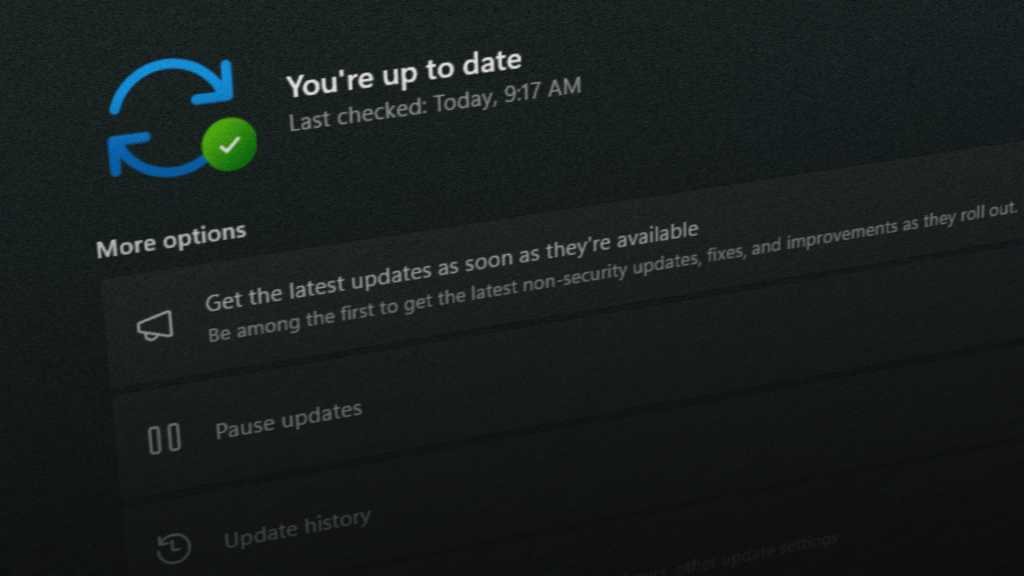
- Users must navigate to Start > Settings > Windows Update > Check for updates to find the patch.
For those unfamiliar, ESU is a paid program that provides continued security support for Windows 10 after general support ended on October 14, 2025. Without ESU, users risk exposing their systems to vulnerabilities no longer addressed by Microsoft. However, even with ESU, the recent bug could have left some without functional recovery options.
The update’s arrival is timely, as it restores a core function that many IT professionals and system administrators rely on for troubleshooting and disaster recovery. While the fix is straightforward, users must now verify their WinRE partition’s free space to ensure they can apply it. Those who missed earlier updates may also need to address any related issues before proceeding.
Looking ahead, Microsoft has not indicated whether further patches are needed for ESU, but the current update suggests that more may follow as the program continues. For now, users should prioritize this installation if they depend on Windows 10’s extended support—though they must be prepared to clear space in their recovery partition first.