Microsoft 365 is set to redefine how businesses and individuals interact with office software, thanks to a deeper integration of Anthropic’s Claude AI. The latest updates go beyond traditional AI assistants by embedding intelligent agents directly into Word, Excel, and PowerPoint, allowing them to handle complex tasks without constant user input.
Unlike previous iterations that relied on generic prompts or external knowledge bases, these new features analyze user-specific data—such as meeting notes, emails, and spreadsheets—to generate tailored outputs. For example, Word can now restructure documents based on company guidelines, while Excel applies advanced forecasting models in real time. The shift reflects a broader industry move toward AI-driven automation, but it also raises questions about oversight and governance in enterprise environments.
Enterprise Features Lead the Charge
The most powerful capabilities will be reserved for Microsoft’s premium tiers, including the Frontier program under Microsoft 365 E5 or Agent 365. These features include expanded model options—allowing users to choose between OpenAI and Anthropic models—and deeper integration with corporate data streams.
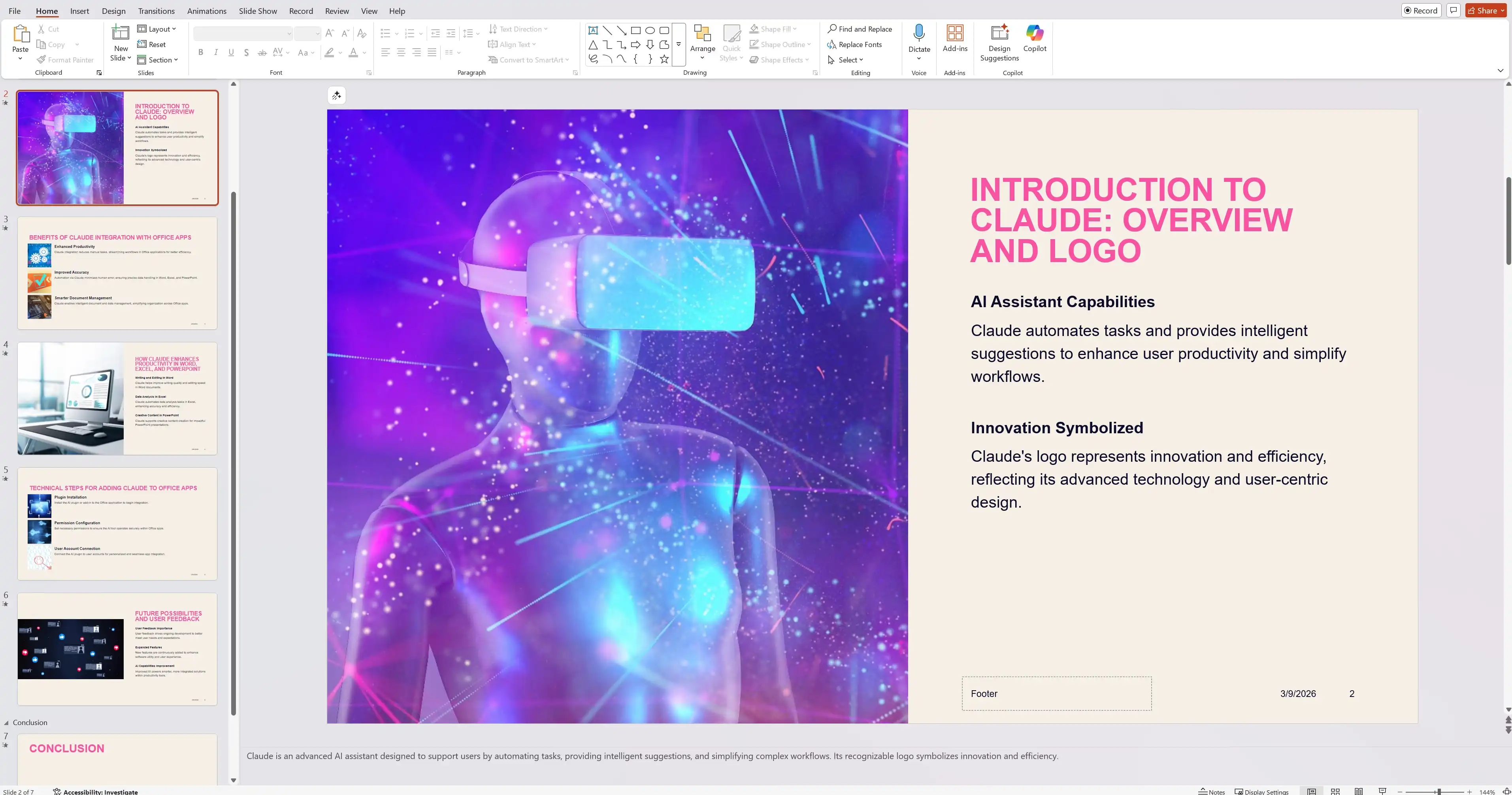
- Word: Automated document creation using meeting notes and emails, with model selection available in April for enterprise users.
- Excel: Dynamic forecasting and financial modeling based on real-time data inputs, supporting custom valuation tasks.
- PowerPoint: AI-generated presentations with competitive analysis, rolling out to web users now and desktop platforms later this year.
For standard subscribers, improvements will be more incremental, such as AI-driven design suggestions in PowerPoint. However, the full potential of agentic workflows—where AI agents operate independently to streamline repetitive tasks—will take longer to materialize for non-enterprise users.
The Future of Office Productivity
Microsoft’s strategy positions AI not just as a productivity booster but as a fundamental reimagining of how work gets done. The goal is to shift the user’s role from manual execution to oversight, where AI handles routine tasks while humans focus on higher-value decision-making.
Yet challenges remain. How will enterprises ensure accuracy when AI-generated insights conflict with human expertise? And what safeguards will be in place to protect sensitive corporate data? For now, Microsoft is betting that seamless integration and gradual rollout will ease adoption, but the long-term impact on workflows—and employee trust—remains an open question.
As more businesses adopt these tools, the balance between efficiency and control will determine whether AI-driven productivity becomes a standard or a source of friction. One thing is certain: the office software landscape will never be the same.