A simple four-word search can break Google’s main search page. The issue arises when the typed term exactly matches one of the platform’s internal reserved keywords, causing the interface to stall and display only a blank white screen.
This behavior is not random; it is tied to a specific phrase that collides with an internal system keyword used for routing or indexing. When entered, the search engine stops processing the request entirely, leaving users staring at a blank result page instead of the expected results.
How It Works
The problem occurs because Google uses certain reserved terms behind the scenes to manage queries, such as navigation labels or internal routing tags. When a user’s input matches one of these exact phrases, the system treats it as an instruction rather than a search query, effectively freezing the page.
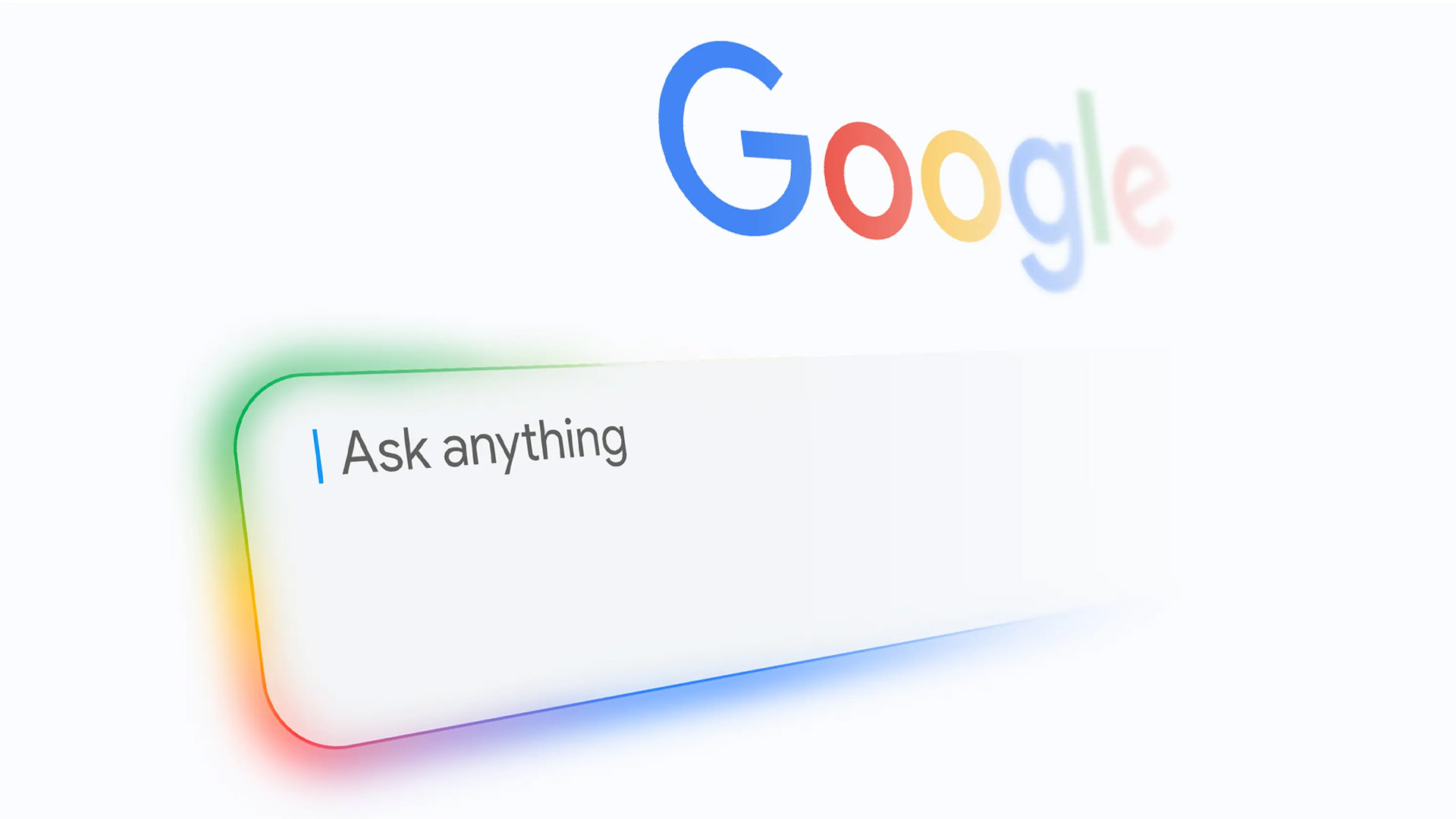
- Typing the phrase causes the search bar to lose focus and the results panel to clear instantly.
- The URL remains unchanged, but no content is rendered.
- Refreshing or retyping any other term restores normal functionality.
Why It Matters
This is more than a quirk—it reveals how Google’s search infrastructure relies on hidden keywords to function. While the platform filters most user inputs, a precise match can still disrupt the flow, suggesting that internal keyword conflicts are not fully shielded from public queries.
For users, the lesson is clear: certain terms should be avoided if you want to ensure smooth searches. For developers or security researchers, it highlights a potential vulnerability in how reserved keywords are managed and validated at the input level.
Next Steps
Google has not acknowledged this issue publicly, but similar glitches often get resolved in subsequent updates. Until then, users can work around it by reformulating their queries to avoid exact matches with internal system terms.