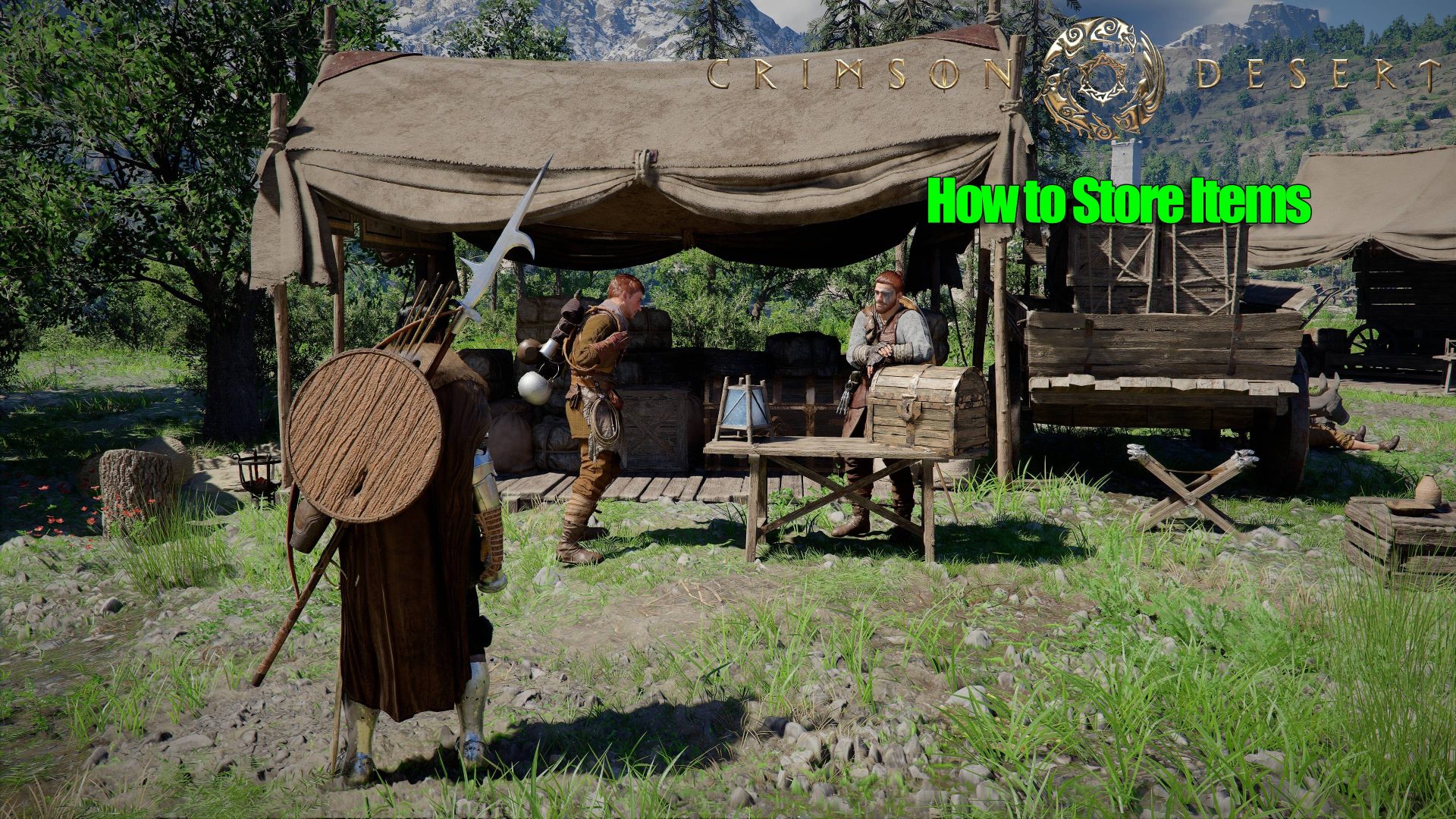
Gaming Crimson Desert: How to Store Items Francesco De Meo • at EDT Add on Google Here's how to store items to free your inventory in Crimson Desert [UPDATE - March 23, ] With patch 1.00.03, Pearl Abyss has added to Crimson Desert the option of storing items directly in the supply chest at the Howling Hill Camp now renamed Private Storage, without requiring any workaround. With the introduction of Private Storage, one of Crimson Desert's biggest issues has been addressed Original guide follows. Related Story You Can’t Resist This Newegg’s Bundle Deal! AMD Ryzen 9800X3D, X870 Motherboard, 32 GB RAM, And 512 GB SSD For Just $959[Original guide] Crimson Desert doesn't feature a storage chest that lets you store items, forcing you to bring every item in your possession with you at all times in your limited inventory. However, there's a way to store items inside your supply chest to free your inventory of items you don't want to carry, but don't want to sell either. With this workaround, you can address one of the game's biggest pain points without having to wait for the official implementation of a storage chest in a future patch. The Supply Chest Exploit With this workaround, you can use the Supplu Chest to store items To store items in Crimson Desert as per the game's current 1.00.02 version, you need to exploit a specific mechanic: the one that automatically stores items inside the Greymanes supply chest. This mechanic usually triggers when clearing a quest to store its rewards, but there's another way to force it. To do so, you first need to unlock said camp in Chapter 3. Once this is done, follow these steps to store your items: Approach the supply chest at the Greymanes camp. Open the inventory menu. Drop any item you want to store by pressing Square (PlayStation) or X (Xbox). Interact with the bed and choose to sleep for at least three hours. When you wake up, the game will notify you that the loot has been sent to the supply chest! WARNING: Some items cannot be stored in the warchest using this exploit, such as weapons dropped by bosses. If you drop them and go to sleep, you will see the item will be registered as missing. To get them back, you will have to purchase it back from Karl at the camp via the Recover Item option. As such, I advise you to save your game first before attempting this trick. This method is much preferable to another known workaround involving selling items to vendors and repurchasing them later. The vendor's inventory of repurchasable items refreshes every 7 in-game days, so you risk losing any item for good if you lose track of time. This concludes our guide. For more help, visit our Crimson Desert Complete Walkthrough and Guides Hub. Guide based on a 40+ hours playthrough in the PC version of the game. Screenshots captured from the same version. Last updated: March 23, 2026 Follow on Google to get more of our news coverage in your feeds. Further Reading AMD FSR 2.2 SDK Now Available: Comes With FSR 4.1 & Ray Regeneration 1.1 Support Player Reaches The End of the World In Crimson Desert, And What Happens Immediately Brings The Truman Show to Mind Pearl Abyss Announces Crimson Desert Support On Intel Arc GPUs Is Incoming Crimson Desert Devs Anonymously Reveal Development Issues That Led to “Hodgepodge of Features” and Nonsensical Story Read all on Crimson Desert: How to Store Items