An IT manager, juggling tight deadlines, suddenly realizes that AI tasks are no longer just a luxury—they’re an operational necessity. The question isn’t whether to adopt AI tools anymore; it’s how to do so efficiently without breaking the bank.
Performance Without the Premium
The latest generation of AI-optimized hardware delivers serious computational muscle without demanding a six-figure budget. For example, systems equipped with 16GB of DDR5 RAM and a PCIe 4.0 SSD can handle complex AI workloads—like large language model inference or image segmentation—with surprising agility. These configurations often start at around $2,500, making them accessible for mid-sized teams that need more than consumer-grade performance but don’t want to stretch toward enterprise-level pricing.
Where the Power Comes From
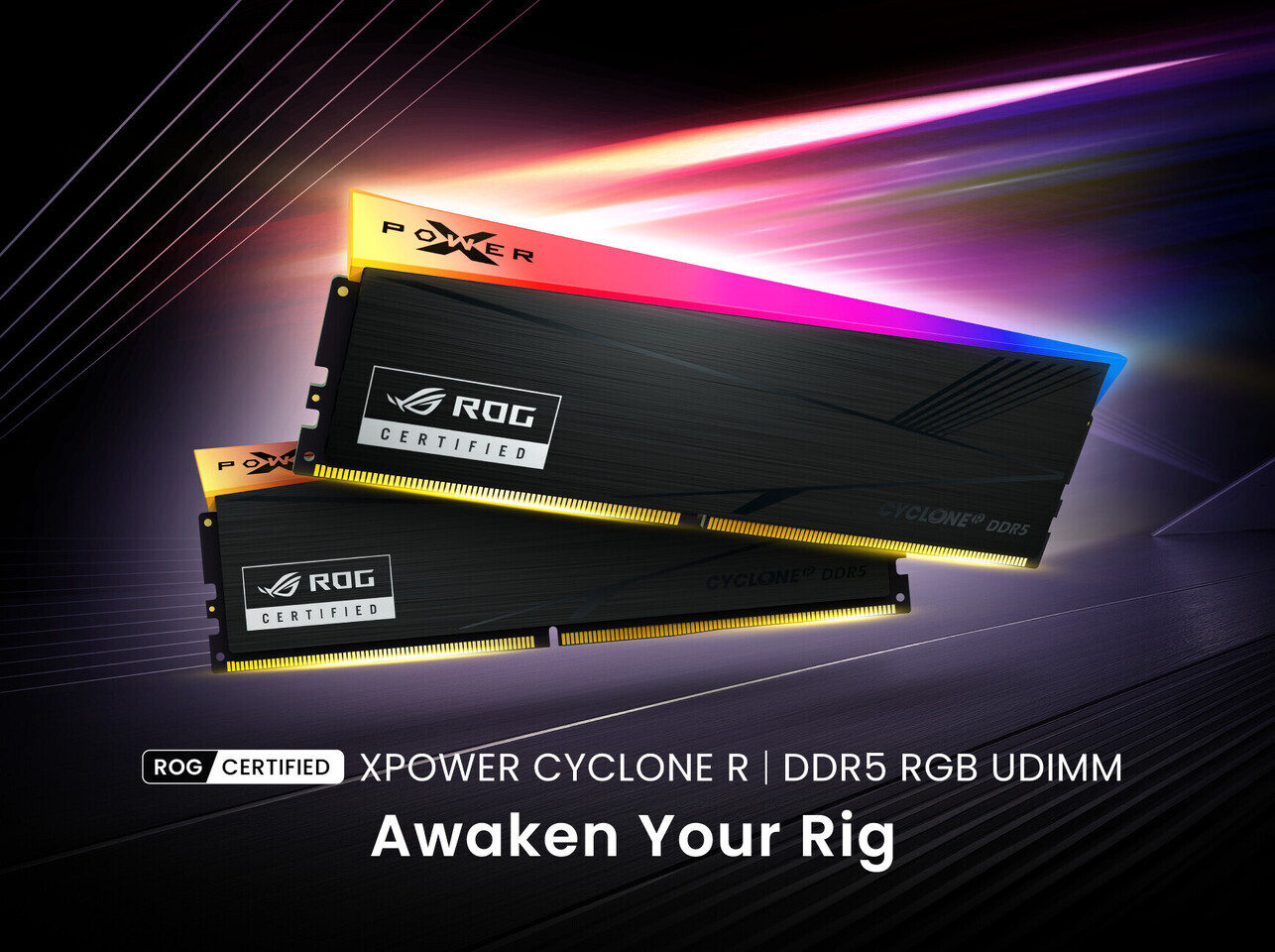
- Memory and Storage: 16GB DDR5 RAM paired with a 2TB PCIe 4.0 SSD ensures smooth multitasking, even when running multiple AI models simultaneously.
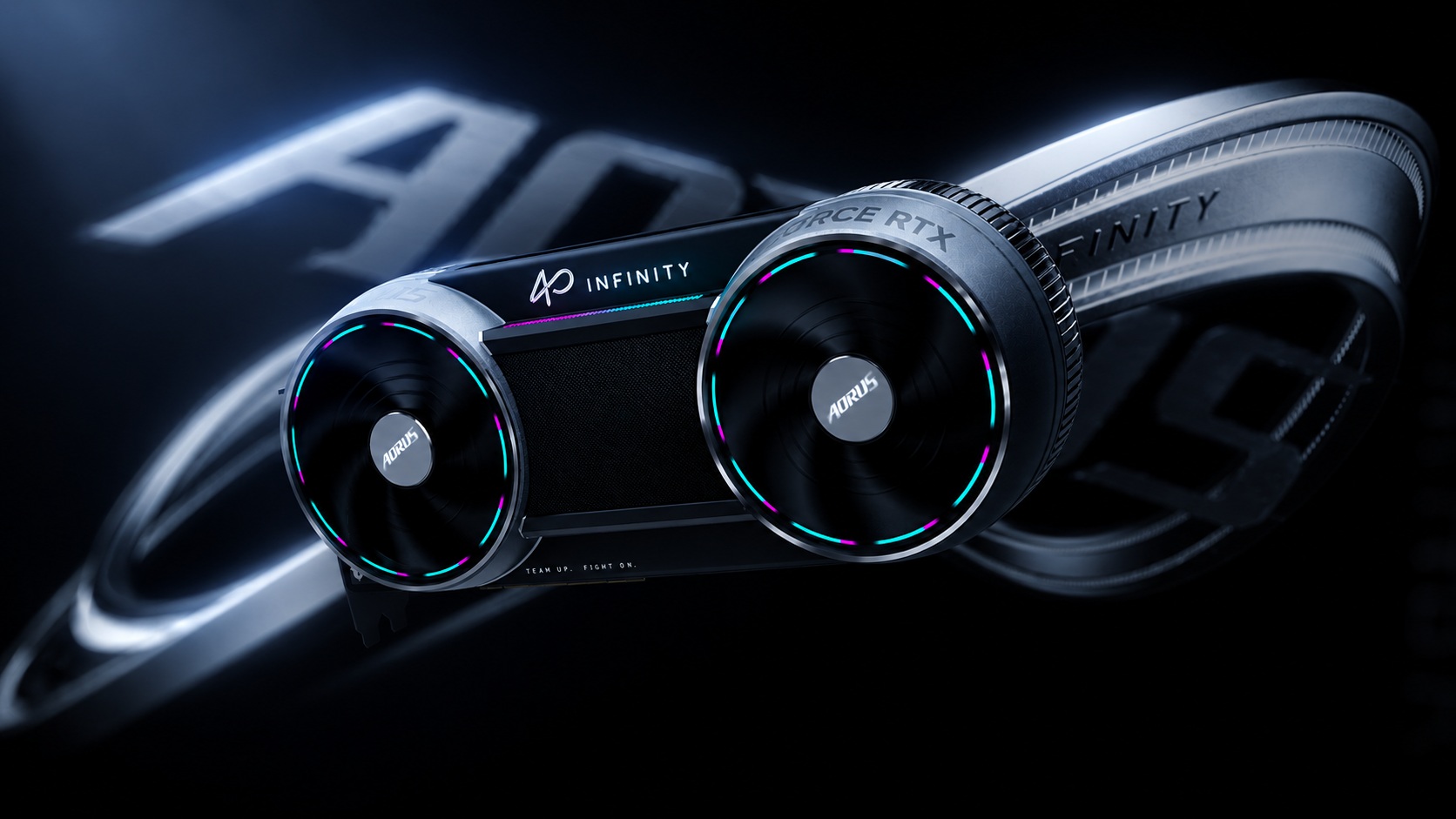
- Processing: A dedicated GPU with CUDA cores and Tensor Cores (like those found in the NVIDIA RTX 4090) accelerates AI tasks, cutting inference times from hours to minutes.
- Connectivity: PCIe 5.0 support in newer models promises even faster data transfer rates, though current prices reflect that bleeding-edge tech isn’t yet mainstream.
That’s the upside—here’s the catch. While these systems are more affordable than ever, supply remains unpredictable. Stocks of high-end GPUs can vanish overnight, leaving IT teams scrambling to meet project timelines. Planning ahead is critical, especially for workloads that rely on multiple GPUs or specialized AI accelerators.

What It Means for Your Workflow
The real value of these systems lies in their versatility. They’re not just for researchers or data scientists; they’re tools for developers, designers, and analysts who need to integrate AI into daily tasks. For instance, a software team using generative AI for code optimization can see productivity gains without overhauling their entire infrastructure.
But the decision to upgrade isn’t one-size-fits-all. Teams with lighter workloads—like document processing or basic image recognition—might find that mid-range GPUs (such as the RTX 4070) offer a better cost-performance ratio. The key is matching hardware capabilities to specific use cases, avoiding over-provisioning where it’s unnecessary.
Looking Ahead
What’s confirmed: AI workloads are becoming more mainstream, and the hardware to support them is improving rapidly in both performance and affordability. What’s still uncertain: how long supply constraints will linger and whether newer architectures (like those with PCIe 5.0) will deliver tangible benefits without significant price premiums.
The teams that benefit most are those that balance immediate needs with future-proofing. They’ll need to monitor both hardware advancements and market stability, ensuring they don’t pay a premium for features they may not need today—or tomorrow.