The FIFA World Cup 2026 isn’t just a sporting event—it’s a potential stress test for home PC builds. The combination of high-resolution streams, multiple devices vying for bandwidth, and real-time commentary means that even mid-range systems will face unprecedented demands. The risk? Thermal throttling during critical moments, where the CPU or GPU scales back performance to avoid overheating—a nightmare for viewers who expect flawless playback.
To avoid this, builders need to focus on three critical areas: processor selection, cooling strategy, and network optimization. A 12th Gen Intel Core i5 (with a max clock speed of 4.6 GHz) or an AMD Ryzen 7 7800X3D (peaking at 4.9 GHz) can handle the workload, but only if paired with aggressive cooling solutions. Liquid coolers with 240mm radiators or high-performance air coolers are essential for dissipating heat during sustained loads, such as streaming multiple devices simultaneously.
Key Considerations for a World Cup-Ready Build
- Processor: Opt for a modern CPU with strong single-core performance, like Intel’s 12th Gen i5 or AMD’s Ryzen 7 7800X3D.
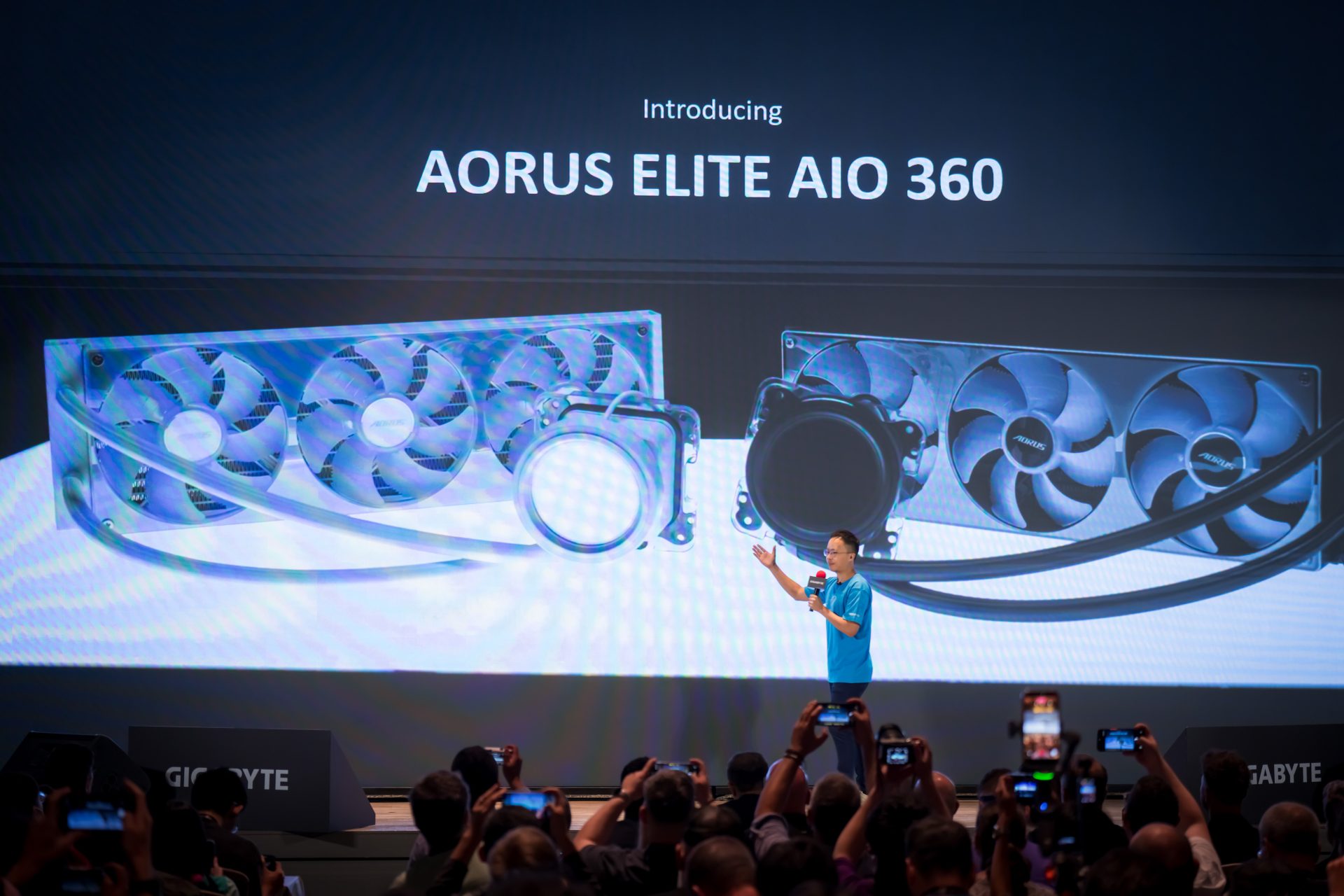
- Cooling: A 240mm all-in-one liquid cooler (AIO) is the gold standard for thermal management under load. High-end air coolers are a viable alternative if space is tight.
- Network: Gigabit Ethernet with Quality of Service (QoS) prioritization ensures low-latency streaming, even when multiple devices—like smart TVs or gaming consoles—compete for bandwidth.
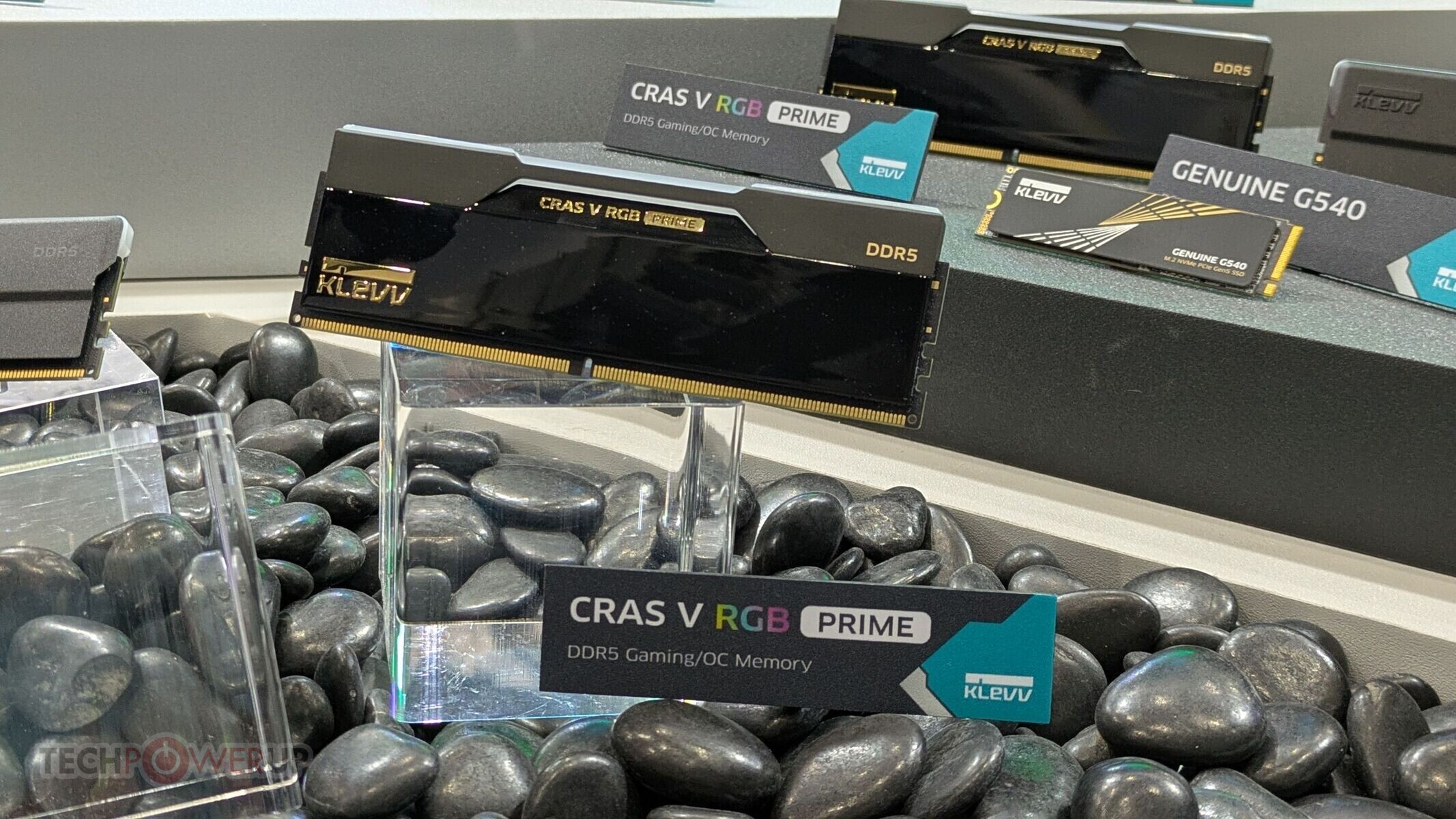
Storage and RAM also play a role. A system with 32GB of DDR5-6000 RAM prevents multitasking bottlenecks, while an NVMe SSD (1TB or larger) keeps the OS and apps responsive. However, the real bottleneck won’t be storage—it’ll be heat. Without proper cooling, even high-end components will throttle under sustained load, leading to stuttering streams and higher temperatures.

Why Cooling is Non-Negotiable
The World Cup 2026 will see record viewership, meaning more devices streaming simultaneously than ever before. This creates a perfect storm for thermal throttling: the CPU or GPU slows down to prevent overheating, often during peak moments like goal kicks or dramatic plays. A build with inadequate cooling can turn an immersive experience into one plagued by lag and stuttering.
Builders who prioritize airflow—whether through liquid cooling or high-performance air solutions—will avoid these issues. A 240mm AIO cooler, for example, can maintain stable temperatures under prolonged load, while gigabit Ethernet ensures that the stream remains smooth even when multiple devices are active. Skipping on either front risks turning what should be a seamless experience into one marred by technical hiccups.
Practical Takeaway
The hardware exists to handle the World Cup 2026’s demands, but only if builders invest in robust cooling and network solutions. Don’t wait until match day to realize your setup isn’t up to the task—upgrade now with a CPU that can handle the load, pair it with a high-end cooler, and ensure your network is prioritized for streaming traffic. The alternative? A World Cup experience that feels as choppy as a poorly edited highlight reel.