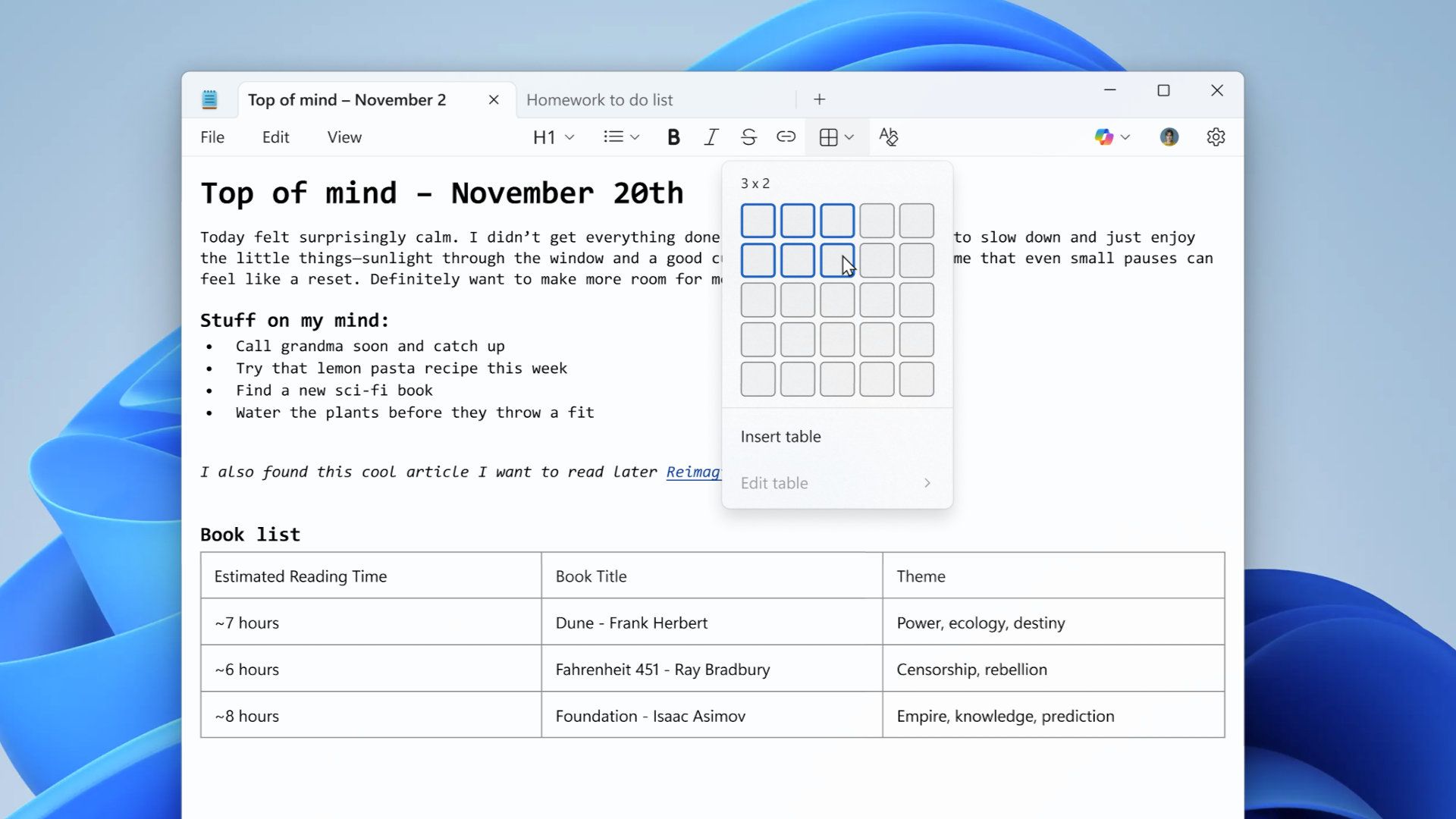
Windows Notepad, once a stripped-down text , has undergone a dramatic transformation in recent years. Tables, formatting tools, and even AI-assisted features like Copilot have turned it into a surprisingly capable application. But with these upgrades comes a hidden risk: a newly disclosed vulnerability that could allow attackers to execute malicious code remotely if a user opens a carefully crafted Markdown file.
The flaw, tracked as CVE-2026-20841, carries a Common Vulnerability Scoring System (CVSS) base score of 8.8—classified as high severity—and a temporal score of 7.7. While Microsoft has acknowledged the issue in its security update documentation, the root cause lies in how Notepad processes Markdown links. An attacker could embed a link in a Markdown file that, when clicked, triggers the loading and execution of arbitrary remote files on the victim’s machine. If the user has administrative privileges, the attacker gains elevated access.
How This Fits Into Windows’ Evolving Ecosystem
Notepad’s expansion reflects a broader trend in Microsoft’s software strategy: repurposing legacy tools with modern capabilities. Features like Markdown support—used to enable formatting such as bold text, italics, and tables—rely on external processing that introduces new attack surfaces. This isn’t the first time a seemingly harmless update has exposed users to risk; earlier this year, Microsoft’s integration of AI tools like Copilot into Notepad raised questions about data privacy and processing. Now, security researchers have identified a gap where malicious actors could exploit Notepad’s Markdown parsing to bypass traditional defenses.
The vulnerability hinges on a specific chain of events: a user must open a Markdown file containing a malicious link and then click it. While this may sound unlikely, cybercriminals often exploit low-effort attack vectors to maximize success. The risk is compounded by the fact that many users treat Notepad as a safe, low-threat application—assuming its simplicity protects them from advanced threats.
Key Details: What’s at Risk?
- Remote Code Execution: If exploited, the flaw allows attackers to run arbitrary code on a targeted system, potentially installing malware, stealing data, or taking control of the machine.
- Admin Privileges Required: Successful exploitation requires the user to have administrative rights, but if compromised, the attacker gains full system access.
- No Known Exploits in the Wild: As of now, there are no confirmed reports of active attacks leveraging this vulnerability, but the potential for misuse remains.
- Markdown as the Vector: The issue stems from Notepad’s handling of Markdown links, not the language itself. Other applications using Markdown may not be affected.
Microsoft has not yet outlined a public fix or timeline for patching the vulnerability. In the meantime, users can mitigate the risk by adopting basic security practices
- Avoid Unverified Files: Never open Markdown or any other file from untrusted sources, even if it appears harmless.
- Disable Auto-Execution: If possible, configure Notepad to prompt for confirmation before opening links or executing external content.
- Use Alternatives for Sensitive Work: For documents requiring strict security, rely on dedicated editors like Notepad++ or VS Code, which offer better sandboxing and update mechanisms.
- Monitor Updates: Keep Windows and Notepad updated, as Microsoft may address the issue in a future security patch.
The irony of Notepad’s evolution is striking: a tool once celebrated for its minimalism and security now carries the weight of modern software complexity. While features like Copilot and Markdown support enhance usability, they also expand the attack surface. For users who’ve long trusted Notepad as a safe haven for quick edits, this vulnerability serves as a reminder that even the simplest tools can harbor unexpected risks—especially when repurposed for broader functionality.