Windows 11’s latest major update, released in March, has introduced a noticeable shift in how the operating system manages multiple open windows—a change that could have unintended consequences for users who rely on precise window placement.
The issue centers on a new default behavior where windows no longer snap into predefined grid positions as smoothly as before. Instead, they now behave more like traditional resizing operations, which can lead to frustration when trying to arrange multiple applications side by side. This change, while intended to improve flexibility, may actually hinder productivity in scenarios where users need to quickly switch between tasks.
At a glance
- The March update alters how windows snap and resize, moving away from the grid-based system introduced in earlier versions of Windows 11.
- Users report difficulty in maintaining consistent window layouts, particularly when working with multiple monitors.
- The change could impact enterprise workflows that depend on stable multi-window arrangements.
- Microsoft has not yet addressed whether this behavior will be reverted or adjusted in future updates.
For enterprise users accustomed to the previous snapping mechanism, this update represents a departure from what was once considered a core feature of Windows 11. The grid-based system allowed for quick and predictable window arrangement, which was particularly useful in professional settings where screen real estate mattered. Now, that predictability has been replaced by a more manual approach, which may require additional adjustments to maintain efficiency.
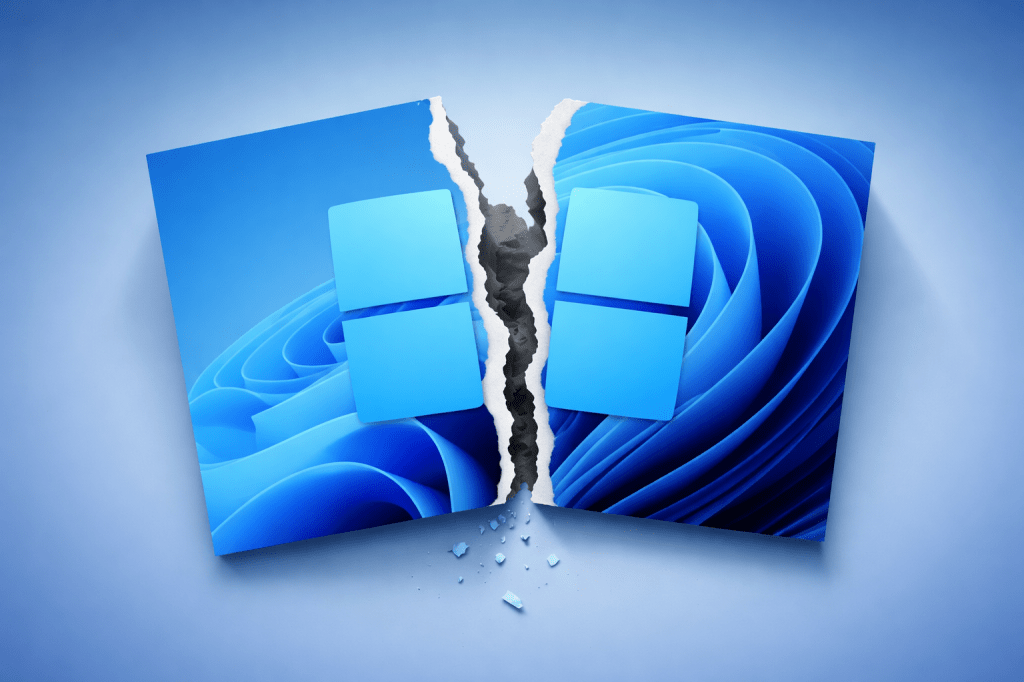
While the new behavior offers more granular control over window sizes, it also introduces the risk of accidental resizing or misalignment, especially when working with multiple applications simultaneously. This could lead to disruptions in workflows that rely on specific layouts for tasks such as data analysis, coding, or multimedia editing.
Looking ahead
The long-term implications of this change remain unclear, but it serves as a reminder that even small adjustments in how an operating system functions can have significant ripple effects. For enterprises investing in Windows 11 for its multi-window capabilities, this update may force a reevaluation of whether the new behavior aligns with their operational needs. Without further clarification or a potential rollback, users will need to adapt—or risk losing some of the productivity gains that came with earlier versions.