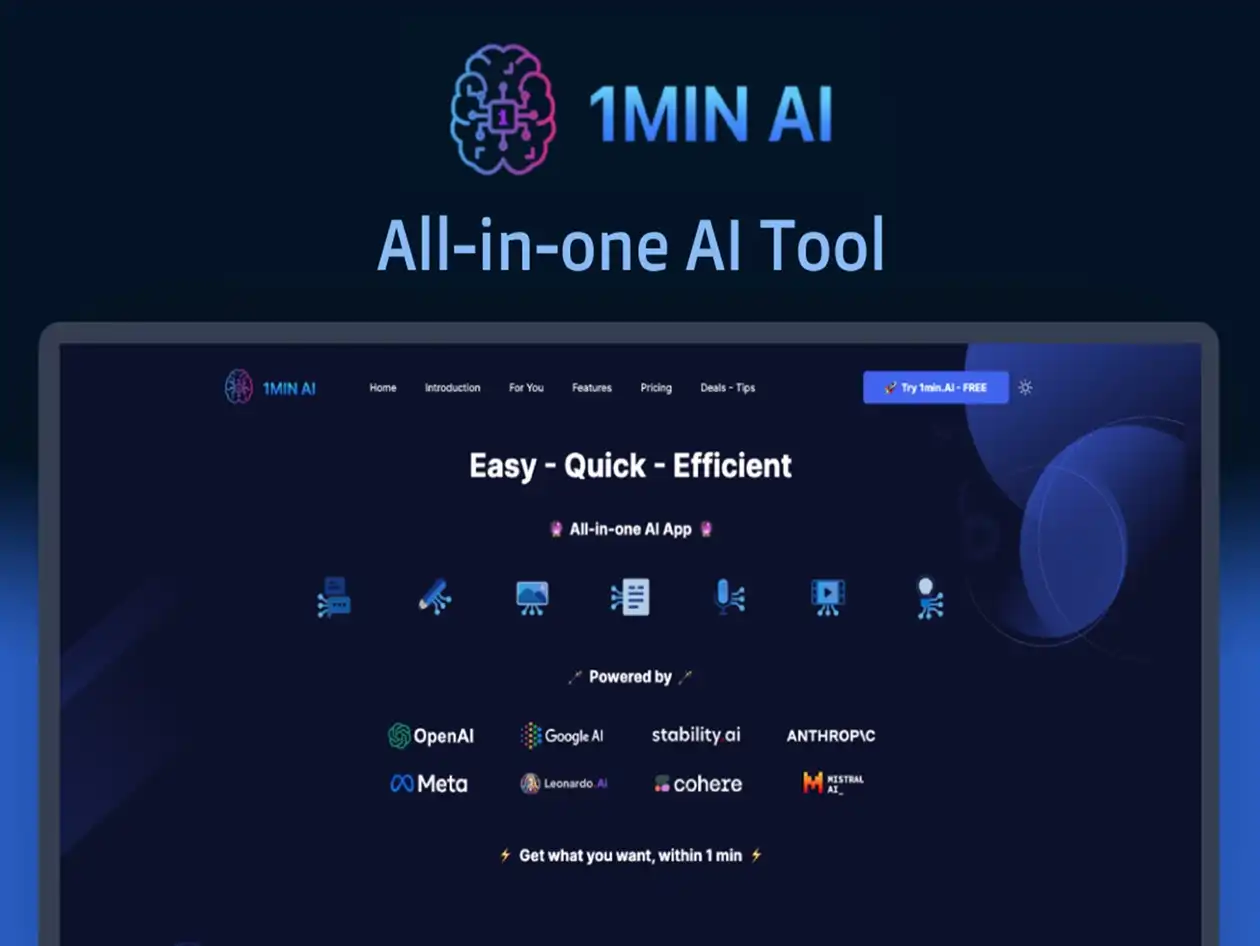
An AI design tool that locks users out after just half an hour of use has raised eyebrows in the creative industry. The platform, designed to accelerate design processes, comes with a built-in timer that restricts free access—a move that has sparked debates about accessibility and innovation.
The tool, which integrates advanced machine learning models, is positioned as a time-saving solution for designers. However, its aggressive session limits could hinder productivity rather than enhance it. Industry observers are now questioning whether such restrictions will stifle creativity or force users to adapt quickly to new workflows.
What’s Under the Hood
The platform offers a suite of features tailored for design professionals, including real-time collaboration, automated layout generation, and AI-assisted color grading. It supports multiple file formats and promises seamless integration with existing design software. But beneath its polished interface lies a contentious policy: users are limited to 30 minutes of free usage per session before being locked out for seven days.
- Key Features:
- AI-driven layout suggestions
- Real-time team collaboration
- Automated color and style adjustments
- Cross-platform compatibility (Windows, macOS)
- Cloud-based project storage with 10GB free tier
While the tool’s capabilities are impressive on paper, its session restrictions could deter casual users or small teams that rely on flexibility. The seven-day lockout period, in particular, feels punitive for those who might need to step away from their work mid-session.
The Bigger Picture
This isn’t the first time an AI tool has imposed usage limits, but it’s one of the more aggressive approaches. The move reflects a broader tension in the industry: balancing innovation with user experience. For businesses and freelancers, the question is whether the benefits outweigh the frustrations. If the tool truly delivers on its promises—such as faster turnaround times and higher-quality outputs—it might be worth the trade-off. But if the restrictions feel arbitrary or counterproductive, it could push users toward more open alternatives.
Another unanswered question is pricing. The platform hasn’t yet revealed its subscription model, leaving potential adopters in the dark about long-term costs. Without clarity on how much access will cost and what features are included at each tier, it’s hard to gauge whether this tool is a game-changer or just another hurdle for creatives.
Looking Ahead
For now, users are left with mixed feelings. On one hand, the AI’s design suggestions are undeniably powerful, offering shortcuts that could revolutionize workflows. On the other, the session limits feel like a step backward in an era where flexibility is key to creativity.
The industry will be watching closely to see how this plays out. If the tool proves its worth despite its restrictions, it might set a precedent for future AI design tools. But if users revolt against the lockout policy, it could become a cautionary tale about overreaching innovation. One thing is clear: the conversation around AI in creative workflows has only just begun.