Imagine a video call where you can adjust the camera angle with a slider instead of fumbling with your laptop stand—or typing out a nuanced emotion with a single tap. That’s the reality for beta testers now, thanks to Microsoft’s latest Windows 11 preview update.
The Preview Build 26300.7760 (part of the 25H2 cycle) has rolled out to Windows Insider Program participants, bringing two standout additions: seven new Unicode 16.0 emojis and pan-and-tilt controls for supported webcams. Neither feature is groundbreaking in isolation, but together they hint at how Microsoft is fine-tuning the OS for everyday productivity and casual digital interactions.
For power users and developers, this update is a minor but tangible step toward tighter hardware integration—especially for webcam-centric workflows like streaming or professional video conferencing. Meanwhile, the emoji refresh, though subtle, aligns with broader trends in digital expression, where even the most mundane interfaces now compete for visual personality.
The New Emojis: Subtle but Significant
Unicode 16.0’s additions may seem quirky at first glance, but each fills a niche in digital communication
- Smiley with bags under the eyes: A weary face, perfect for late-night work sessions or post-conference exhaustion.
- Fingerprint: A nod to biometric tech, ideal for security-conscious contexts.
- Radish: The first vegetable emoji in years, catering to foodie conversations.
- Leafless tree: A seasonal or symbolic choice for autumn/winter themes.
- Harp: Expands musical emoji options beyond guitars and pianos.
- Shovel: Broadens tool-related expressions (joining hammers and wrenches).
- Splatter: A chaotic, abstract mark—useful for humor or abstract art discussions.
These aren’t just decorative; they reflect how emojis have evolved from simple reactions into a language of their own. For businesses or creators relying on visual cues in messaging apps, even small updates like this can influence tone and engagement.
Webcam Controls: A Small but Useful Upgrade
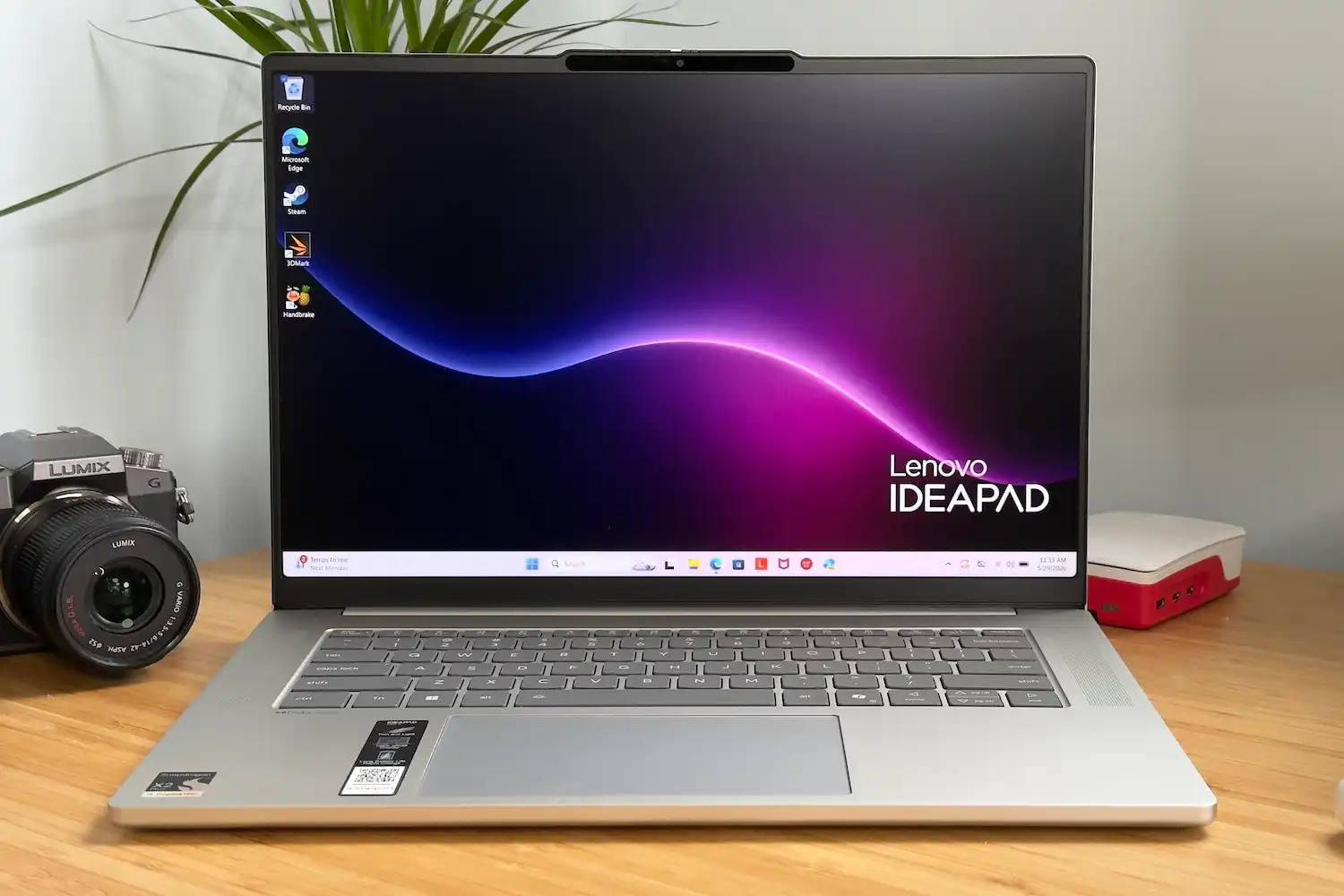
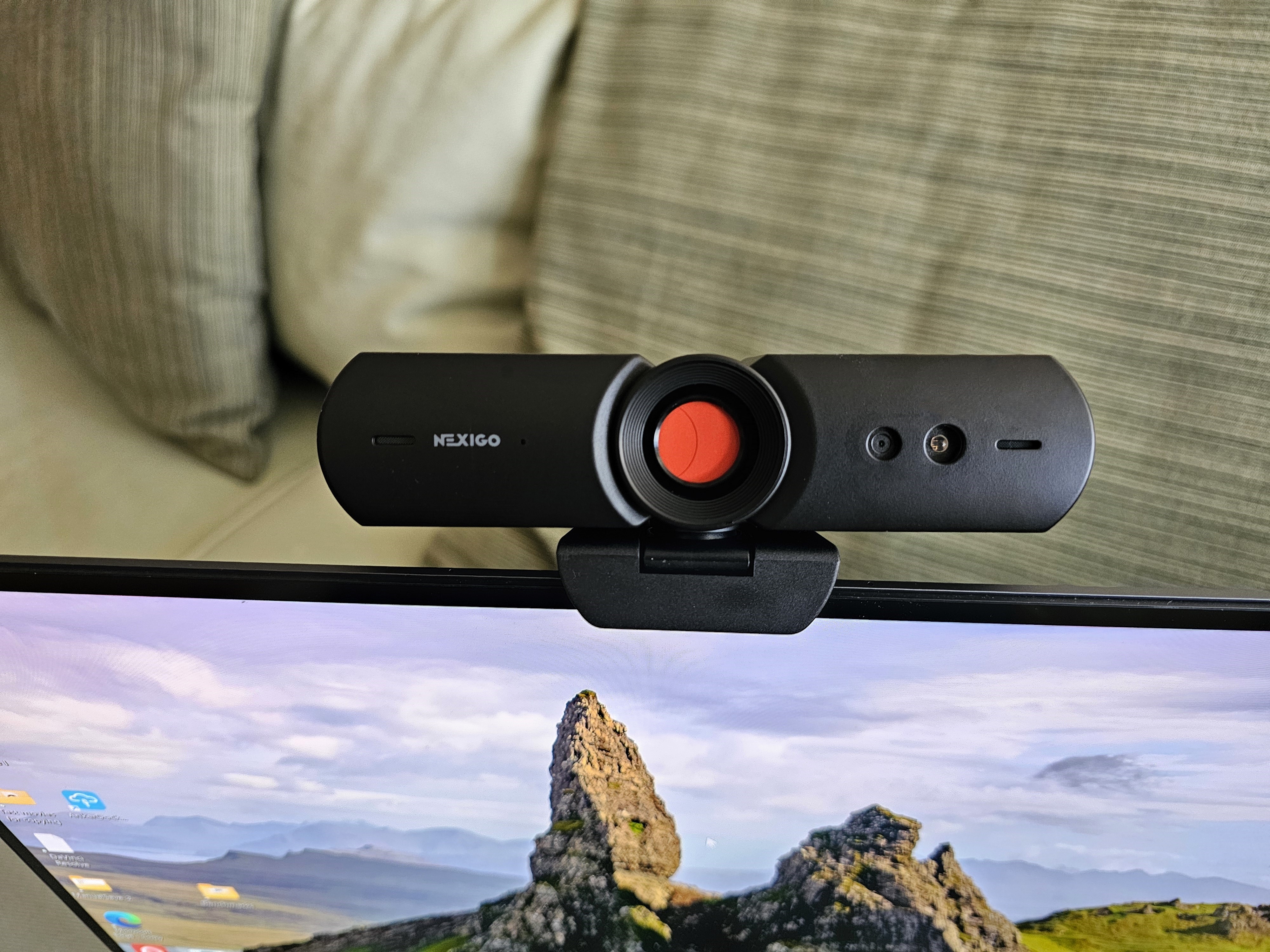
The real technical leap lies in webcam pan-and-tilt adjustments, accessible via Windows Settings > Bluetooth & devices > Cameras. This feature isn’t universal—it requires hardware support—but it could redefine how users compose video calls or streams. No more propping up a tablet as a makeshift stand; a simple slider could suffice.
Compatibility remains the sticking point. Microsoft hasn’t specified which brands or models will support this yet, but early adopters with Logitech or Razer webcams (common in gaming setups) may see immediate benefits. For corporate users, this could reduce the need for third-party software like OBS or Zoom’s virtual camera tools.
Who Benefits?
This update isn’t a revolution, but it’s a polish—the kind that matters most to
- Casual users: Emoji enthusiasts and social media posters will appreciate the fresh options, while webcam controls could make family calls more dynamic.
- Content creators: Streamers and vloggers with supported hardware could save time setting up shots, though professional setups will still need more.
- Businesses: Remote teams using webcams for meetings might find the adjustments helpful, though enterprise-grade cameras often have their own software.
- Developers: The underlying APIs for webcam control could inspire new apps or integrations.
The bigger picture? Microsoft is quietly refining Windows 11’s hardware-software synergy. Features like this suggest a future where OS updates don’t just fix bugs—they unlock latent capabilities in devices already on users’ desks.
As for timing, the update is still in beta, meaning stability and full compatibility aren’t guaranteed. The general public won’t see these changes until Microsoft finalizes the 25H2 release, likely later this year. For now, Windows Insiders have a taste of what’s coming—and it’s a reminder that even incremental updates can reshape how we interact with technology.