Microsoft may have abandoned its once-ambitious Windows Media Center vision, but the idea of a full-fledged PC in the living room is more relevant than ever. The gap between what smart TVs and gaming consoles offer—and what a connected Windows machine can deliver—has never been wider. No special software, no proprietary streaming limitations, no performance compromises. Just a PC, a cable, and instant access to everything.
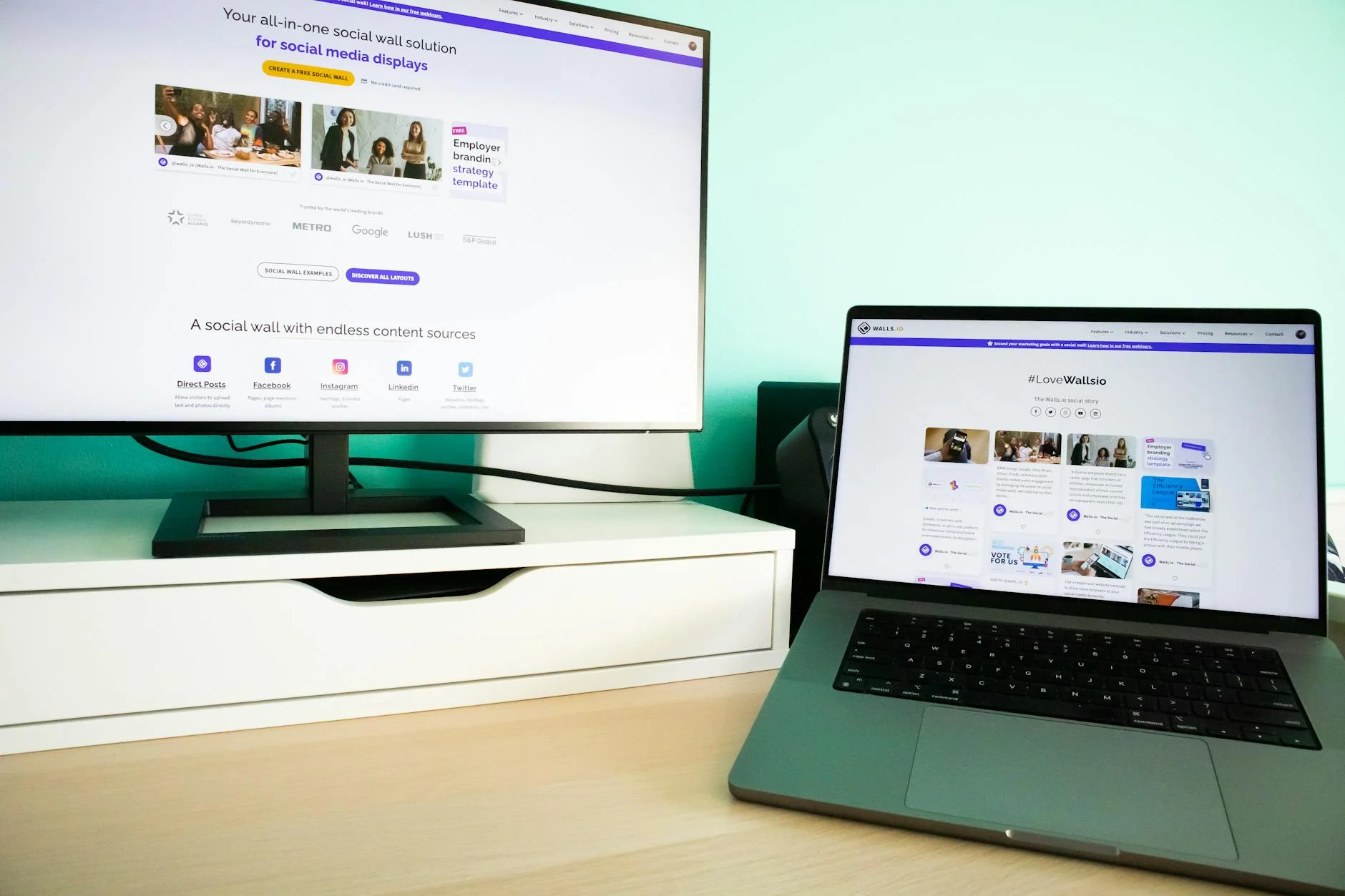
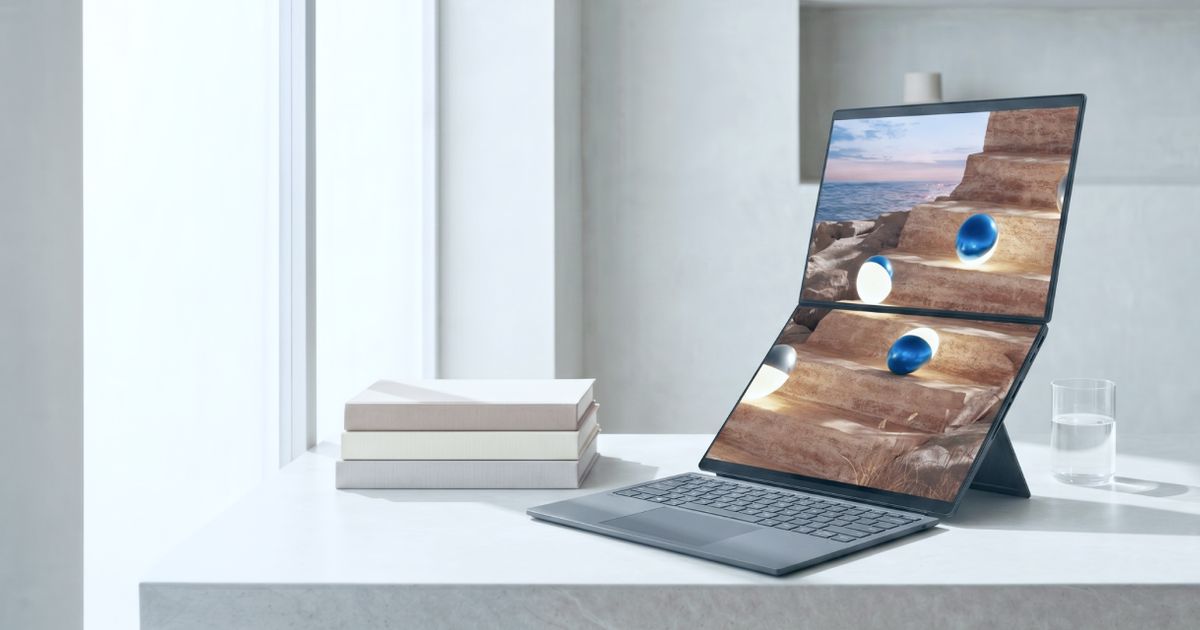
The setup is simpler than most assume. Most modern TVs and laptops speak the same language: HDMI. Plug one end into your TV, the other into your laptop or a mini PC, and you’ve turned your couch into a command center for streaming, gaming, and browsing. No dongles, no complicated configurations. Even USB-C laptops can bridge the gap with a single cable.
This isn’t about replacing your Netflix app or Xbox controller. It’s about reclaiming the flexibility of a desktop experience—where every website, game, or service works exactly as it does on your primary machine. No more app store restrictions. No more fragmented ecosystems. Just a single, cohesive platform that adapts to your needs.
The real magic happens when you pair it with the right tools. A wireless keyboard with a built-in touchpad (like the Arteck HW197 for $35.99) turns couch navigation from a chore into a breeze. No more squinting at tiny remote buttons or mishearing voice commands. And for gamers, Steam’s Big Picture Mode transforms PC gaming into a console-like experience—complete with controller support and a library you can browse from the couch.
The Case for a Direct Connection
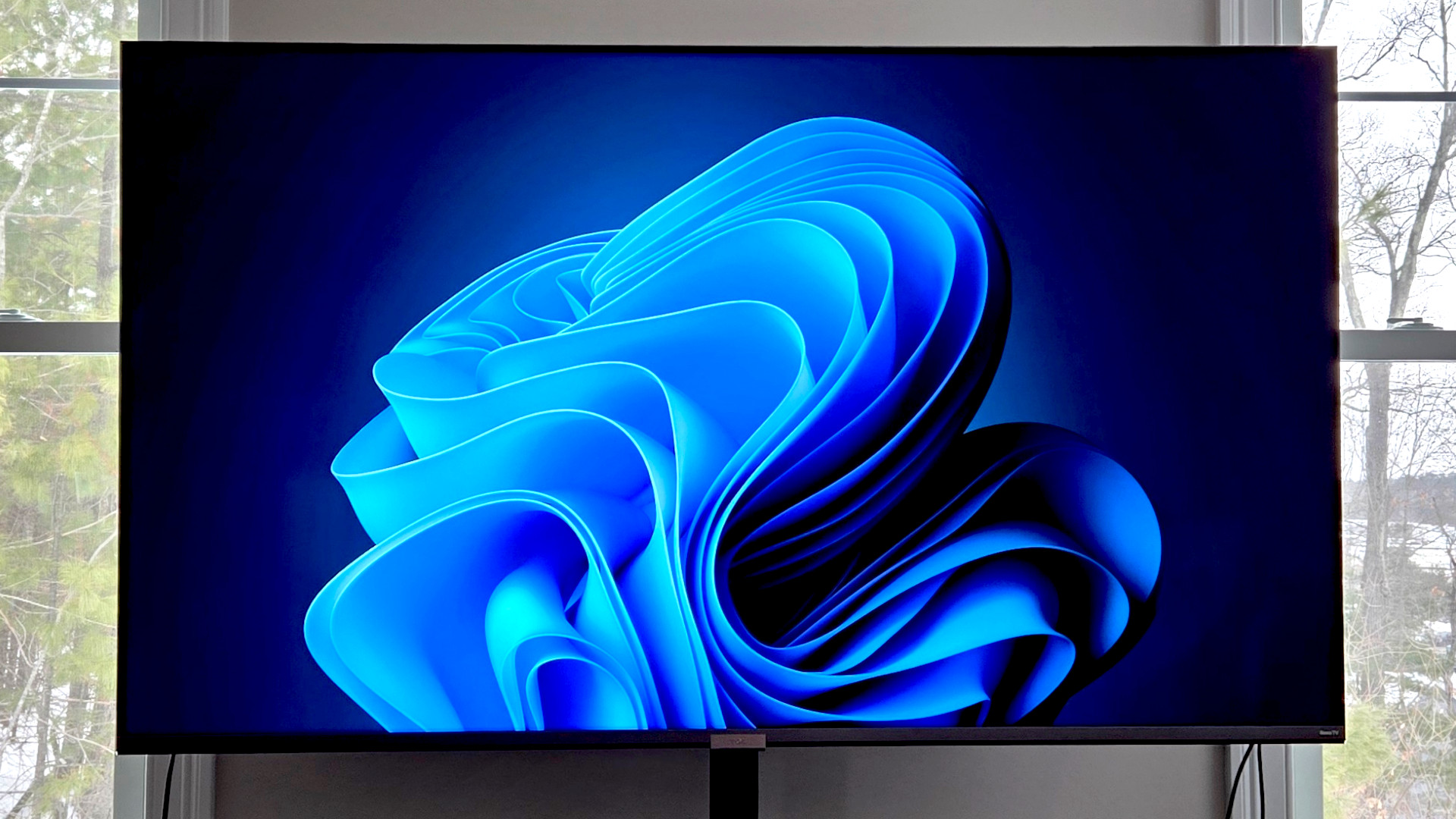
Streaming solutions—whether cloud gaming, local network servers, or wireless mirroring—all introduce tradeoffs. Latency, quality loss, or reliability issues can turn a seamless experience into a frustrating one. A direct HDMI connection eliminates those problems entirely. Your PC’s full power feeds directly into your TV, delivering buttery-smooth frame rates, crisp visuals, and zero lag. It’s the only way to play demanding games like Cyberpunk 2077 on a big screen without compromise.
Media playback benefits too. Want to watch a Bandcamp stream or a Twitch channel without jumping through hoops? A full browser on your TV handles it all. Need to show a Reddit thread or Instagram reel to a group? Done. No app limitations, no platform restrictions. Just the internet, as it should be.
Who Should Make the Switch?
- Streaming power users: Tired of missing niche services or juggling multiple devices? A PC consolidates everything into one place.
- Gamers: Access your entire Steam library, play local co-op with friends, and enjoy PC-exclusive titles—all on a big screen.
- Media enthusiasts: Use Plex, Jellyfin, or Kodi for a living-room-optimized experience without sacrificing features.
- Budget-conscious buyers: A $600 mini PC like the Acemagic M1 ($649 at launch) fits in any entertainment center and handles 1080p media or light gaming effortlessly.
Even a dusty old laptop can serve as a starting point. No need to invest in new hardware—just grab an HDMI cable and begin. But once you’ve tried it, the convenience becomes addictive. Why settle for less when a full PC experience is just a cable away?
The future of living-room computing isn’t tied to consoles or streaming boxes. It’s already here—and it runs on Windows.