The MacBook Neo arrives as Apple’s latest attempt to offer a premium laptop experience at an accessible price point of $599. While it packs modern touches like a 13-inch Liquid Retina display, Touch ID, and dual speakers with Spatial Audio support, the device isn’t without its limitations. The choice of the A18 Pro chip, paired with just 8 GB of RAM, reflects a deliberate balancing act between cost and capability.
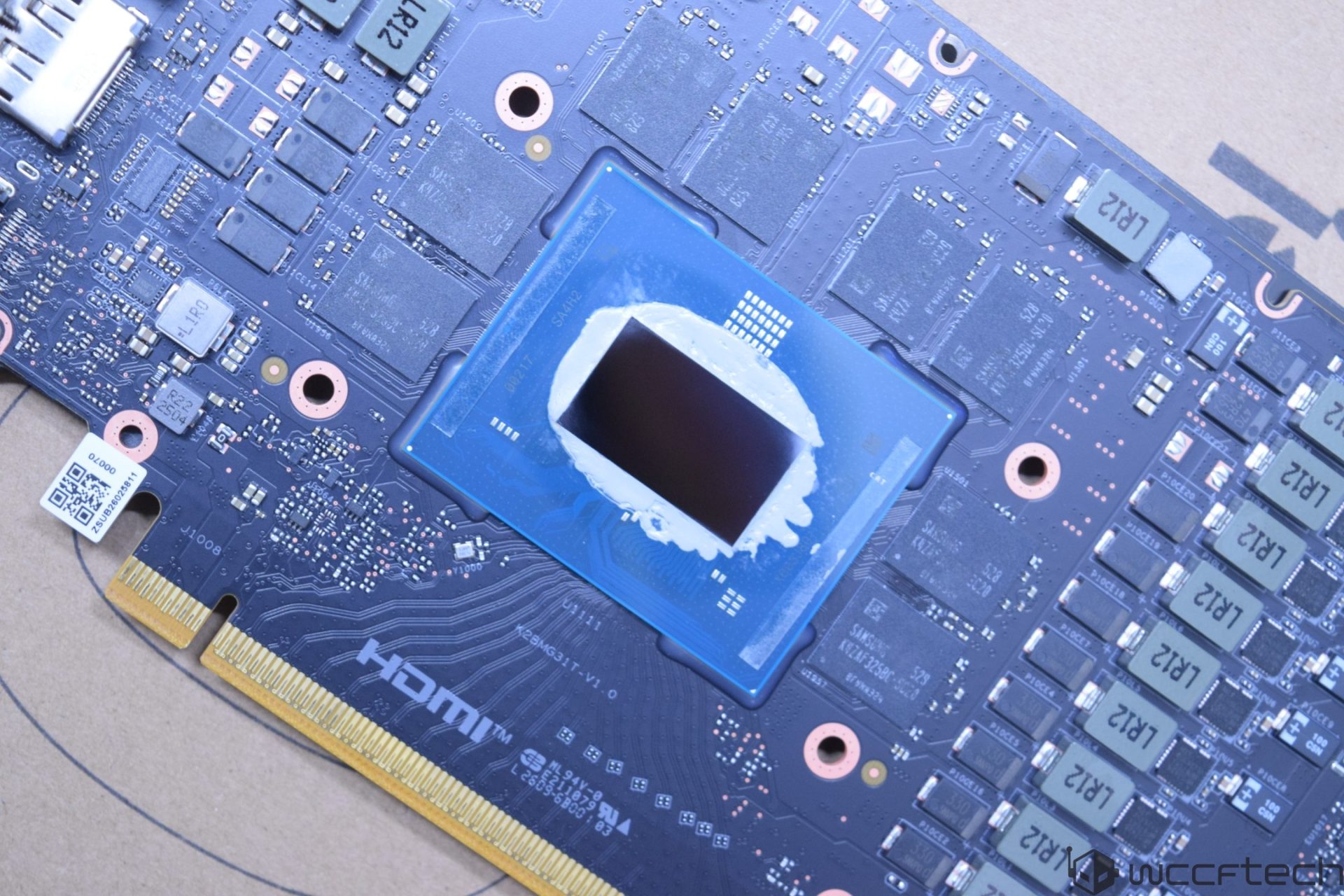
Apple’s decision to use the A18 Pro—rather than the newer A19 Pro found in iPhones—is largely tied to supply constraints. The A19 Pro is still in high demand for iPhone production, making it impractical to allocate those chips to a lower-margin product like the MacBook Neo. This isn’t necessarily a dealbreaker for everyday tasks, but it does hint at potential performance trade-offs compared to more powerful Apple Silicon models.
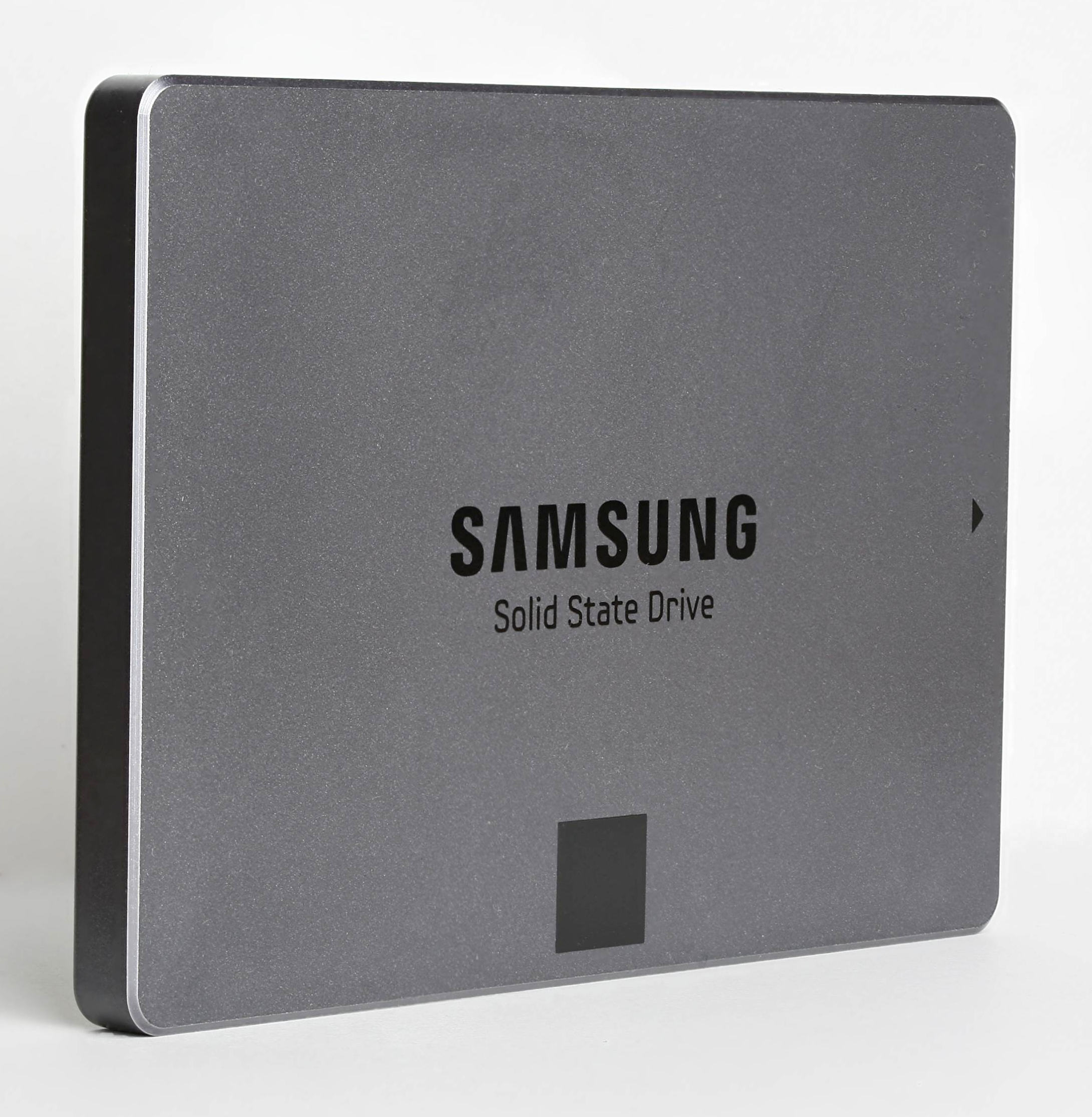
One of the most noticeable compromises is the RAM configuration. The 8 GB variant is standard, which may feel restrictive for users running multiple applications or demanding workflows. However, macOS’s efficient memory management—leveraging fast SSD storage as virtual RAM when needed—helps mitigate some of those constraints in real-world use. Still, power users or those planning to keep the laptop for several years might find themselves bumping up against those limits sooner than expected.

Another area where Apple has streamlined its design is with connectivity. The MacBook Neo includes just two USB-C ports, but their speeds vary significantly. One port maxes out at USB 3.0 (1.25 GB/s), while the other is capped at USB 2.0 (60 MB/s). Thunderbolt support is also noticeably absent, which could be a hurdle for users who rely on high-speed data transfer or external displays. The battery life, meanwhile, lags behind more robust models like the M5 MacBook Air, offering just 11 hours of web browsing compared to 15.
The trackpad is another place where Apple has opted for simplicity over advanced features. It lacks Force Touch sensitivity and haptic feedback, which could be a drawback for artists or those who rely on pressure-sensitive input. The trade-off here is clear: fewer premium features mean a lower price tag, but it also means the device may not cater to every use case.
For everyday tasks—web browsing, document editing, media consumption—the MacBook Neo should perform admirably. Its compact design, bright display, and modern software integration make it a strong contender in the budget-friendly laptop space. However, those looking for future-proofing or more intensive workloads might find themselves wanting more power or flexibility down the line.
In the end, the MacBook Neo succeeds as an affordable entry into Apple’s lineup, but its compromises are worth noting. It’s a device that prioritizes accessibility over cutting-edge specs, making it ideal for students or professionals who need reliability without breaking the bank. Whether those trade-offs will feel significant depends largely on how demanding your needs are.