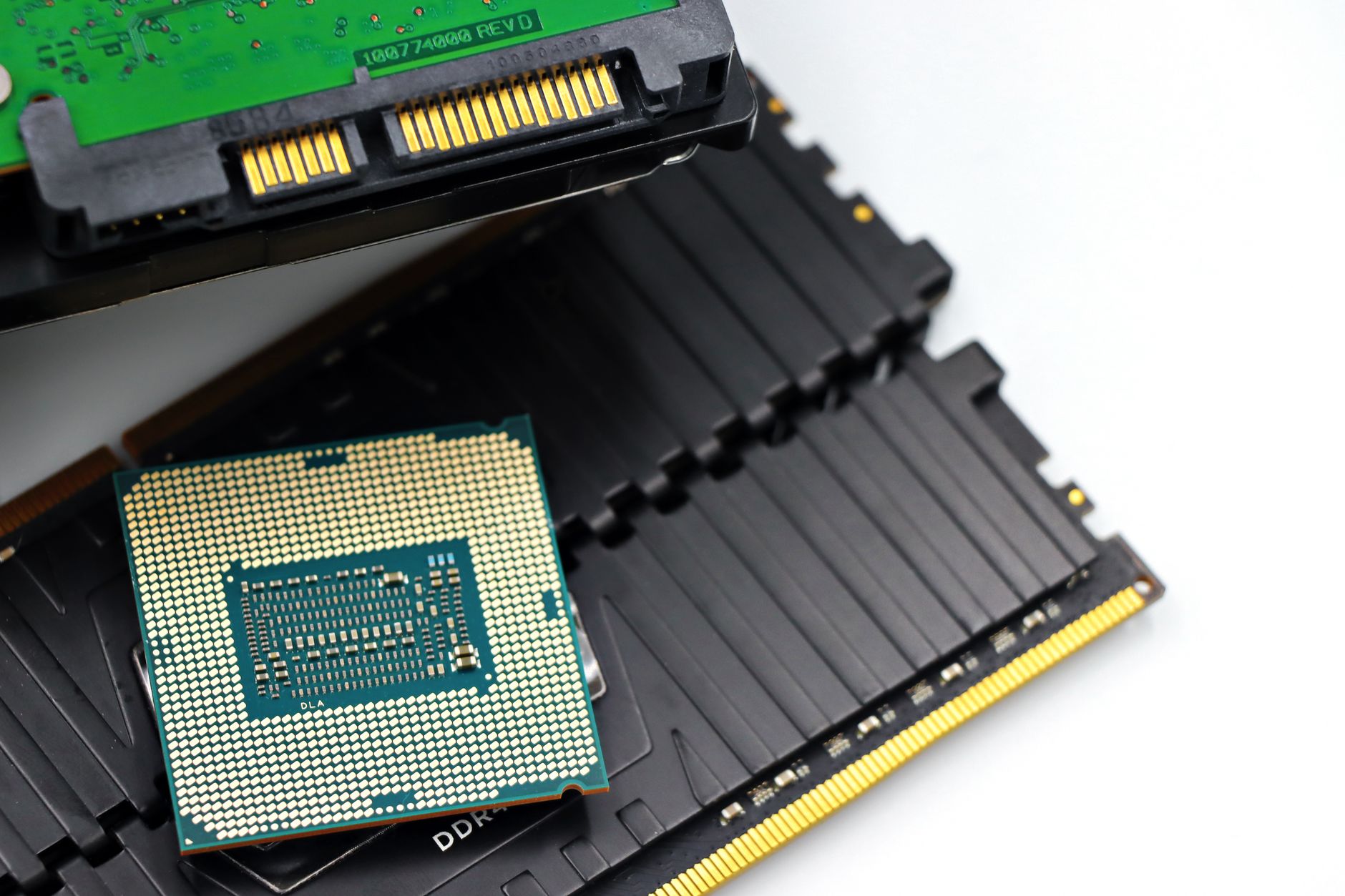
The Core i9-14900KS isn’t just a CPU—it’s a statement about performance, pushing boundaries in gaming, content creation, and professional workloads. But unlike other high-end processors, it doesn’t work alone. To reach its peak, it demands a modern ecosystem that matches its ambition: a compatible motherboard with the latest chipset, a robust power delivery system, and an operating system optimized for its 14th-generation architecture.
This isn’t just about raw clock speeds or single-core performance—though those numbers are impressive. The i9-14900KS boasts a base clock of 3.2 GHz and can turbo boost up to 6.2 GHz, with 24 cores (8 performance and 16 efficiency) and 32 threads. But those specs only tell part of the story. What truly sets it apart is its ability to sustain high performance under load, making it a favorite for overclockers and enthusiasts who push their systems to the limit.
What the i9-14900KS Plugs Into
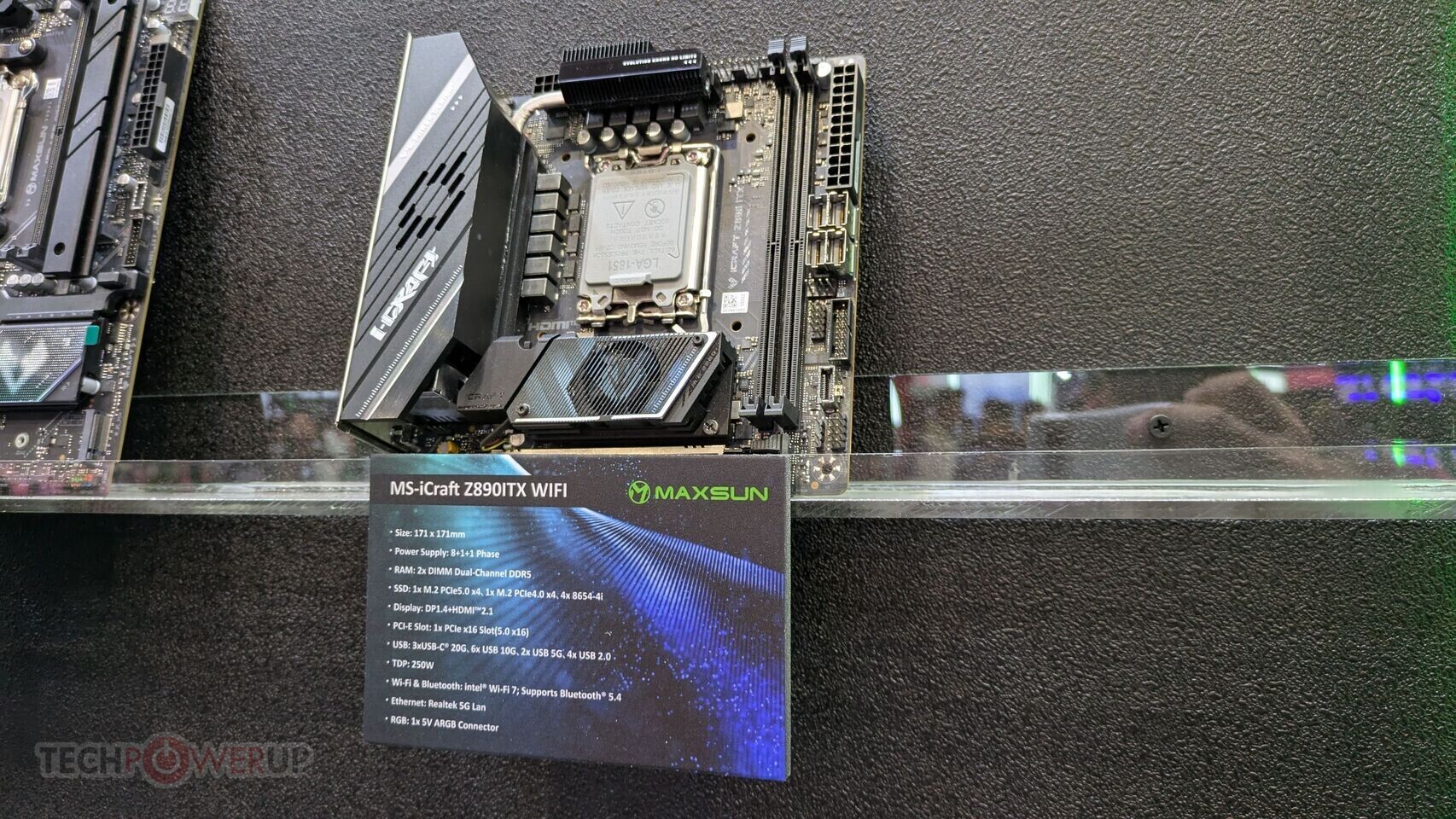
The Core i9-14900KS is built for Intel’s 13th-generation (Raptor Lake Refresh) platform, but it’s not a drop-in upgrade. It requires a motherboard with an LGA 1700 socket and support for the Z890 chipset or higher. This means users need to invest in a new board if they’re upgrading from an older generation, as compatibility isn’t backward.
- Motherboard: Must support LGA 1700 with Z890 or newer chipset.
- RAM: DDR5 with speeds up to 5600 MHz (higher speeds possible with overclocking).
- Storage: NVMe SSDs for the best performance, especially in gaming and multitasking scenarios.
- Power Supply: A high-wattage PSU (850W or more) is recommended to handle the CPU’s power draw, particularly during sustained loads.
The operating system plays a crucial role as well. Windows 11 is the most optimized choice for the i9-14900KS, thanks to its native support for 12th and 13th-gen Intel CPUs. macOS and Linux also offer compatibility, but with varying levels of performance tuning required.
Key Details: Performance and Practicality
The i9-14900KS isn’t just about raw power—it’s about efficiency in high-demand tasks. Whether it’s rendering 3D models, streaming content, or running demanding games at maximum settings, this CPU thrives when paired with the right hardware.

- Gaming: Excels in titles that leverage multi-threading and high core counts, such as modern AAA games and esports titles.
- Content Creation: Ideal for video editing, 3D rendering, and other CPU-intensive workflows where performance stability is critical.
- Overclocking: Supports advanced overclocking features, including per-core voltage adjustments and thermal velocity boost (TVB), which can push performance even further under controlled conditions.
However, its power consumption is a consideration. The i9-14900KS can draw significant wattage, especially during sustained loads. This means users need to plan their cooling solutions carefully—whether through air or liquid cooling—to prevent thermal throttling and maintain stability.
Who Benefits from the i9-14900KS?
The Core i9-14900KS is a niche but powerful choice, targeting enthusiasts, content creators, and professionals who demand the absolute best performance from their systems. It’s not just for gamers—though they’ll see significant gains—but also for those working in fields where CPU power directly impacts productivity.
- Enthusiasts: Those who build high-end systems for gaming or benchmarking will find the i9-14900KS a compelling option, especially if they’re already invested in Intel’s ecosystem.
- Content Creators: Video editors and 3D artists who rely on CPU-heavy workloads will benefit from its multi-core performance and stability under load.
- Overclockers: The CPU’s support for advanced overclocking features makes it a favorite among those who push their hardware to the limit, provided they have the cooling and power infrastructure to match.
The i9-14900KS is a high-stakes choice. It requires careful planning—from motherboard selection to cooling—to fully unlock its potential. But for those willing to invest in the ecosystem, it delivers performance that’s hard to match in its class. Whether it’s breaking records or simply running demanding workloads with ease, this CPU proves that sometimes, the best hardware needs the best partners to shine.