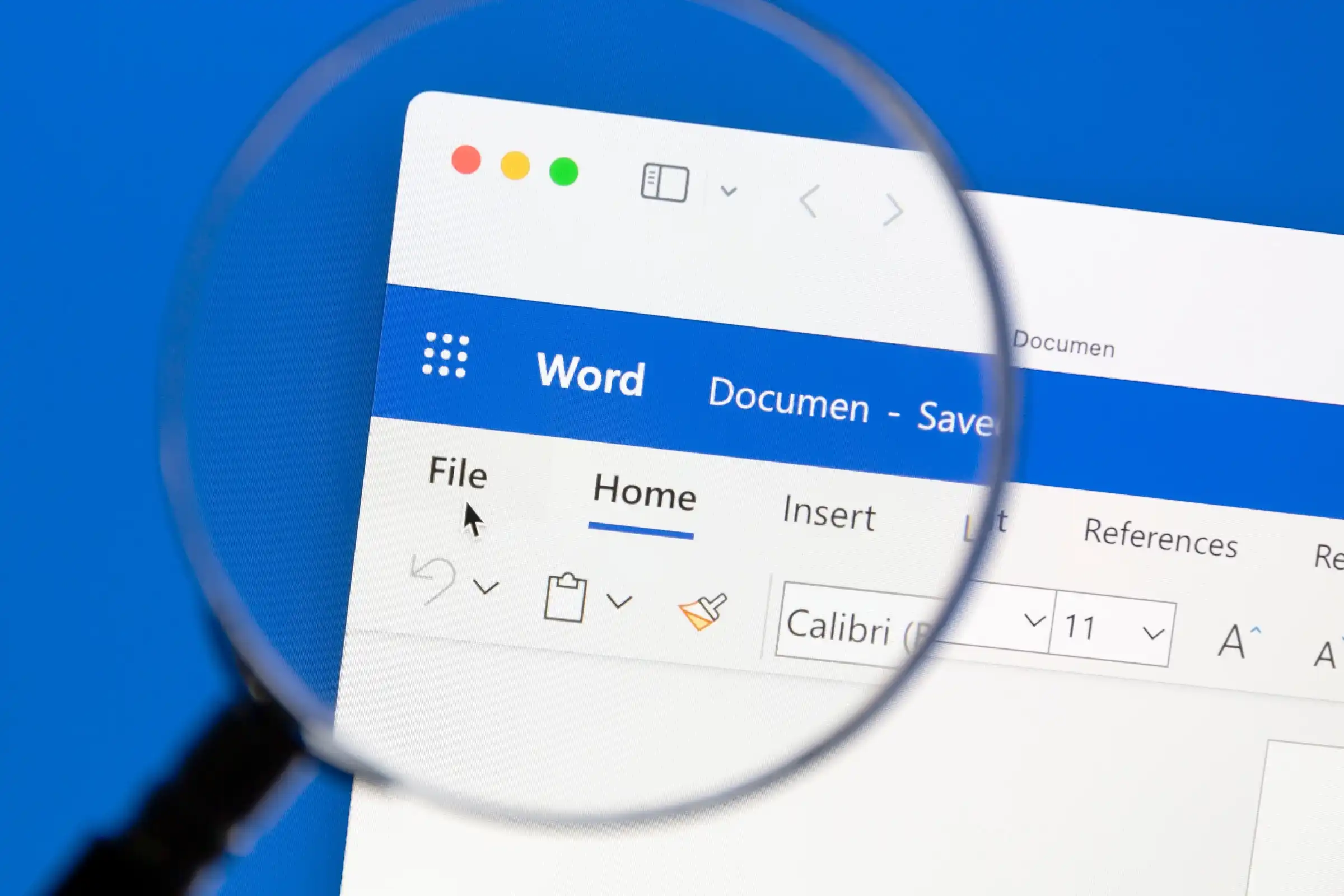
Highlighting a block of text in Microsoft Word and asking the software to read it back is now a standard way to spot grammatical slips or awkward phrasing. The tool, buried in the Review tab under Read Aloud, uses modern voice synthesis that mimics natural intonation—far removed from the robotic staccato of earlier versions.
When activated, the feature scans the selected passage and delivers it in a chosen voice, with adjustable speed. A small gear icon allows switching between male or female voices, catering to preference without changing functionality. Users routinely paste emails or drafts into Word to leverage this shortcut, relying on the audio cue to slow their own reading pace and catch mistakes they might overlook visually.
How it works
- Voice options: Two synthesized voices (male/female), both with improved intonation.
- Speed control: Slower speeds increase the chance of spotting errors, but faster speeds suit quick scans.
- No background noise: The voice starts and stops cleanly when triggered; no ambient sound interference.
The tool is most effective for medium-length passages—paragraphs or short sections. Long documents may require manual navigation to avoid repetition, though the gear icon persists so adjustments can be made without restarting.
Where it fits
This feature is ideal for writers who frequently edit their own work and need an extra layer of review beyond spell-check. It does not replace professional editing but serves as a quick sanity check before finalizing content. For longer manuscripts, users should combine it with other proofreading techniques to maintain efficiency.
Reality check
The voice quality has improved significantly from earlier versions, yet subtle mispronunciations can still occur with certain words or names. Users should test the feature on their own documents to confirm it handles their preferred language and style without errors.