Browsers have long been the gateways to digital life, but they’re no longer just about tabs and bookmarks. The latest move by Mozilla pushes Firefox beyond its core function, embedding a free VPN directly into the browser for enhanced privacy on public networks—and introducing a split-screen mode that lets users juggle multiple tasks across dual monitors without leaving their workflow.
This isn’t just an incremental update; it’s a rethinking of how browsers handle security and productivity in today’s multi-device, multi-tasking world. The VPN, built on Mozilla’s own infrastructure, promises to encrypt traffic automatically when connected to untrusted networks, while the split-screen feature—previously available only through extensions—becomes native, streamlining multitasking for power users.
Why This Matters
The shift toward built-in VPNs isn’t new, but Firefox’s approach stands out. Unlike some competitors that offer VPNs as add-ons or require separate sign-ups, Mozilla is integrating the feature at the browser level, meaning it’s always on and ready without extra steps. For users who switch between work and leisure on the same device—or those who value privacy without sacrificing performance—the update could be a game-changer.
Split-Screen: A Native Fix for Multitaskers
The split-screen mode, already familiar to users of Chrome OS or Windows 10/11, is getting a Firefox upgrade. Instead of relying on third-party extensions that often lag behind browser updates, Mozilla’s version is tightly integrated with the browser’s core, offering smoother transitions and better performance. This means less clutter in settings menus and fewer compatibility issues—something long-time users have waited for.
What’s Different Now
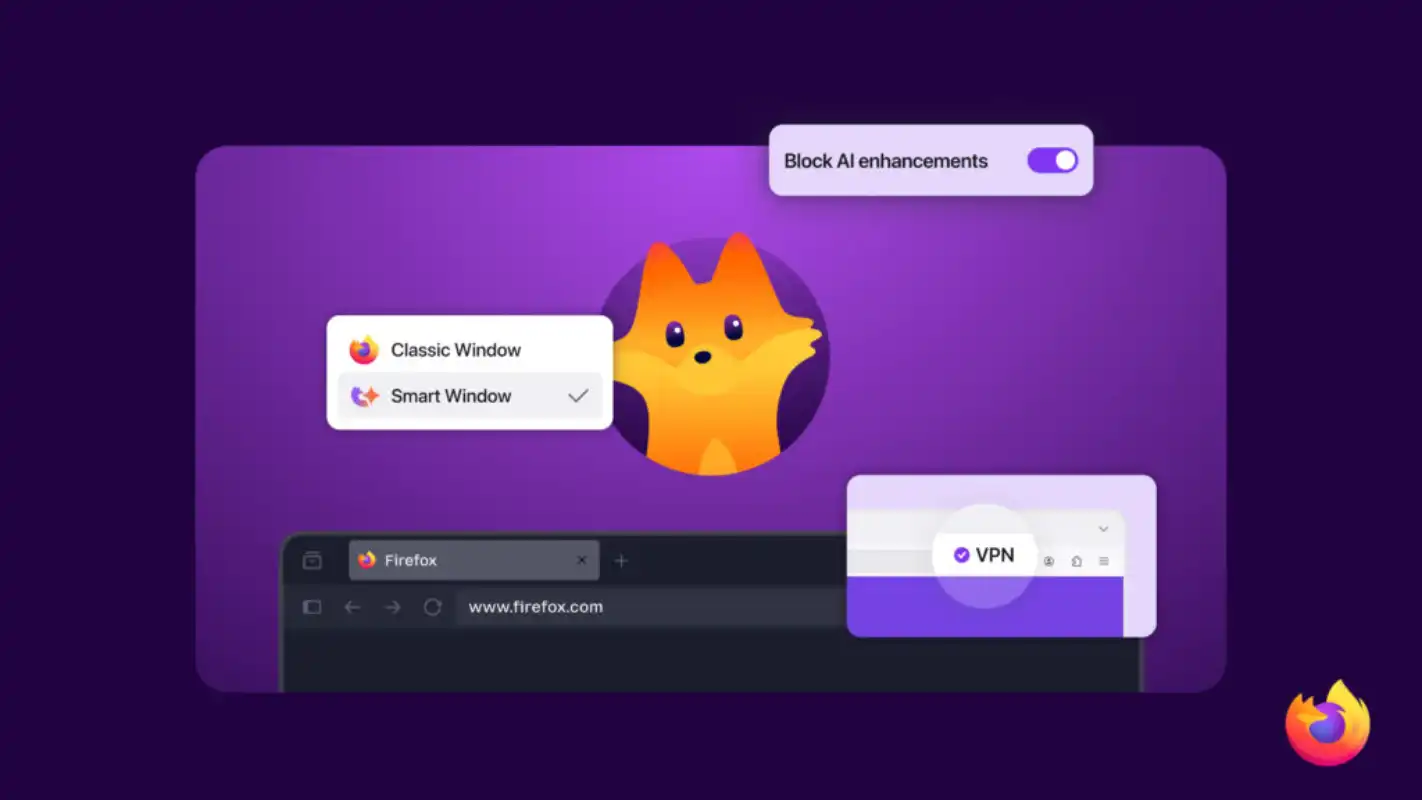
- The VPN is free for all Firefox users, no subscription required, but limited to 5 GB of monthly data (with the option to upgrade).
- Split-screen works across dual monitors or a single display with a side-by-side layout, supporting both desktop and mobile.
- No additional installation is needed; both features are enabled by default in the latest Firefox releases.
The VPN uses Mozilla’s own relay infrastructure, which avoids the data-sharing concerns some users have with third-party providers. Meanwhile, the split-screen mode dynamically adjusts window sizes based on content, ensuring a seamless experience whether you’re comparing documents or watching videos alongside notes.
A Look Ahead
For users who prioritize privacy without complexity, Firefox’s built-in VPN could finally close the gap with browsers that treat security as an afterthought. And for those drowning in tabs and multitasking across screens, the split-screen mode removes a long-standing friction point—no more juggling extensions or hoping they’ll play nice with future updates.
Where this leaves other browsers is a question of timing. Some may follow suit, but Firefox’s move signals that native solutions are no longer optional—they’re becoming the standard for what users expect from modern browsing.