Most laptop users dismiss the preinstalled utilities as unnecessary clutter. Yet, behind the scenes, these tools—intentionally designed for low-profile operation—can significantly reduce heat, streamline performance, and extend battery life.
The following features, found on a range of consumer laptops, are rarely discussed but can be leveraged to optimize daily workflows without extra cost or complexity. They operate quietly in the background, adapting to workload demands while keeping system temperatures in check—a critical factor for both longevity and responsiveness.
Cooling and thermal management
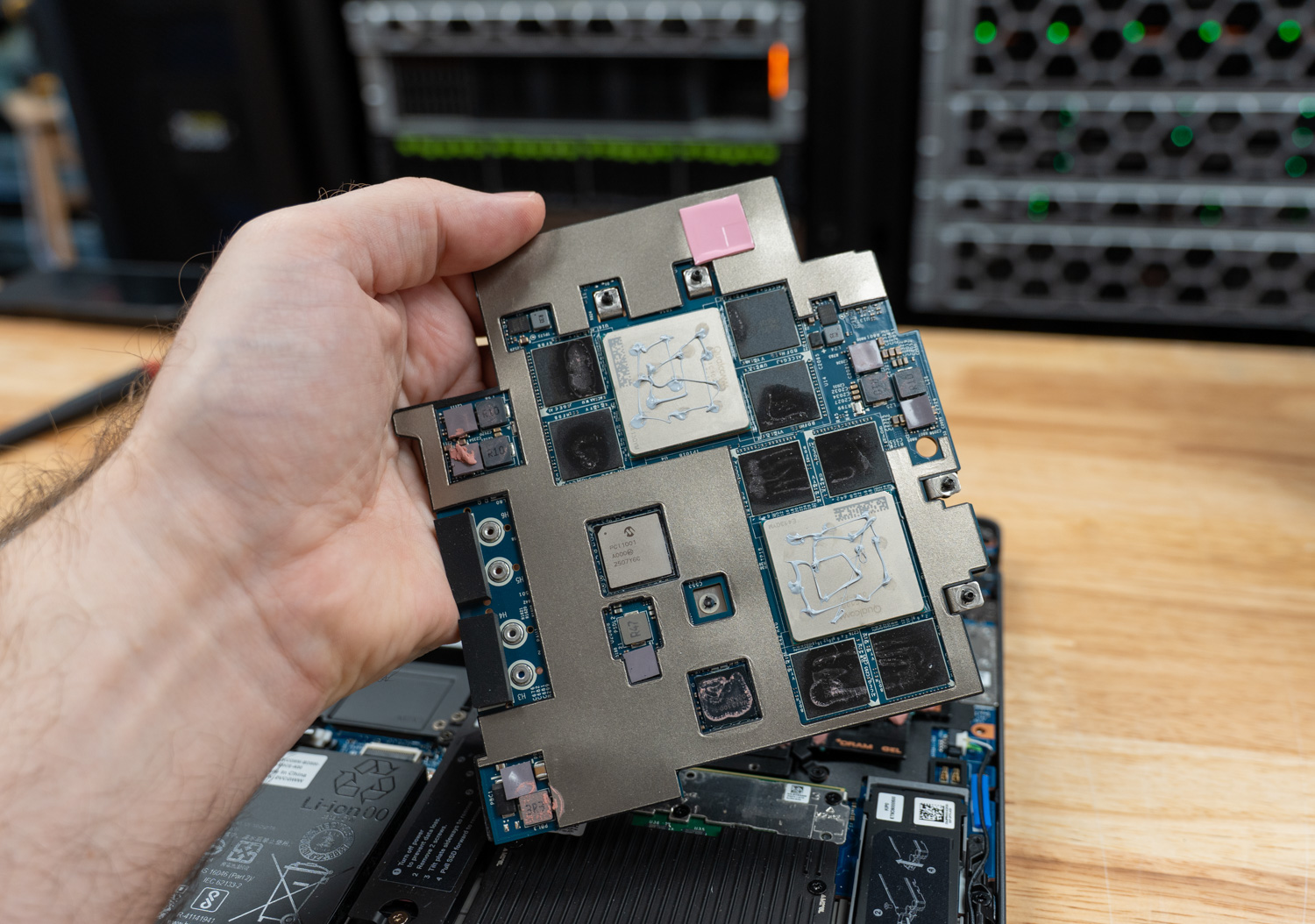
The most immediate benefit comes from advanced cooling systems that dynamically adjust fan speeds based on real-time CPU load. Unlike traditional cooling solutions, these are engineered to minimize noise while maintaining optimal temperature thresholds. During sustained workloads—such as video rendering or 3D modeling—the system automatically throttles back unnecessary heat generation, preserving battery life and preventing thermal throttling.
Power efficiency tuning
A less obvious but equally important feature is the integrated power management module, which fine-tunes CPU and GPU clock speeds depending on the workload. This isn’t just about saving battery; it’s about maintaining consistent performance under load. For creators who juggle multiple high-demand applications, this means fewer interruptions and more stable frame rates during rendering tasks.
Automated background optimization
Some laptops include a built-in task scheduler that prioritizes system maintenance during idle periods. This includes defragmenting storage (where applicable), clearing temporary files, and even updating drivers in the background—all without impacting active workloads. The result is smoother performance over time, with less manual intervention required.
At a glance
- Dynamic thermal management that reduces heat without sacrificing performance.
- Workload-aware power tuning to extend battery life and maintain responsiveness.
- Automated background maintenance to keep storage and drivers optimized.
The key takeaway is that these tools are not just passive features—they actively work to improve efficiency, reduce heat, and prolong hardware lifespan. For users who prioritize both performance and sustainability, leveraging them can mean a more productive workflow without additional software or cost.