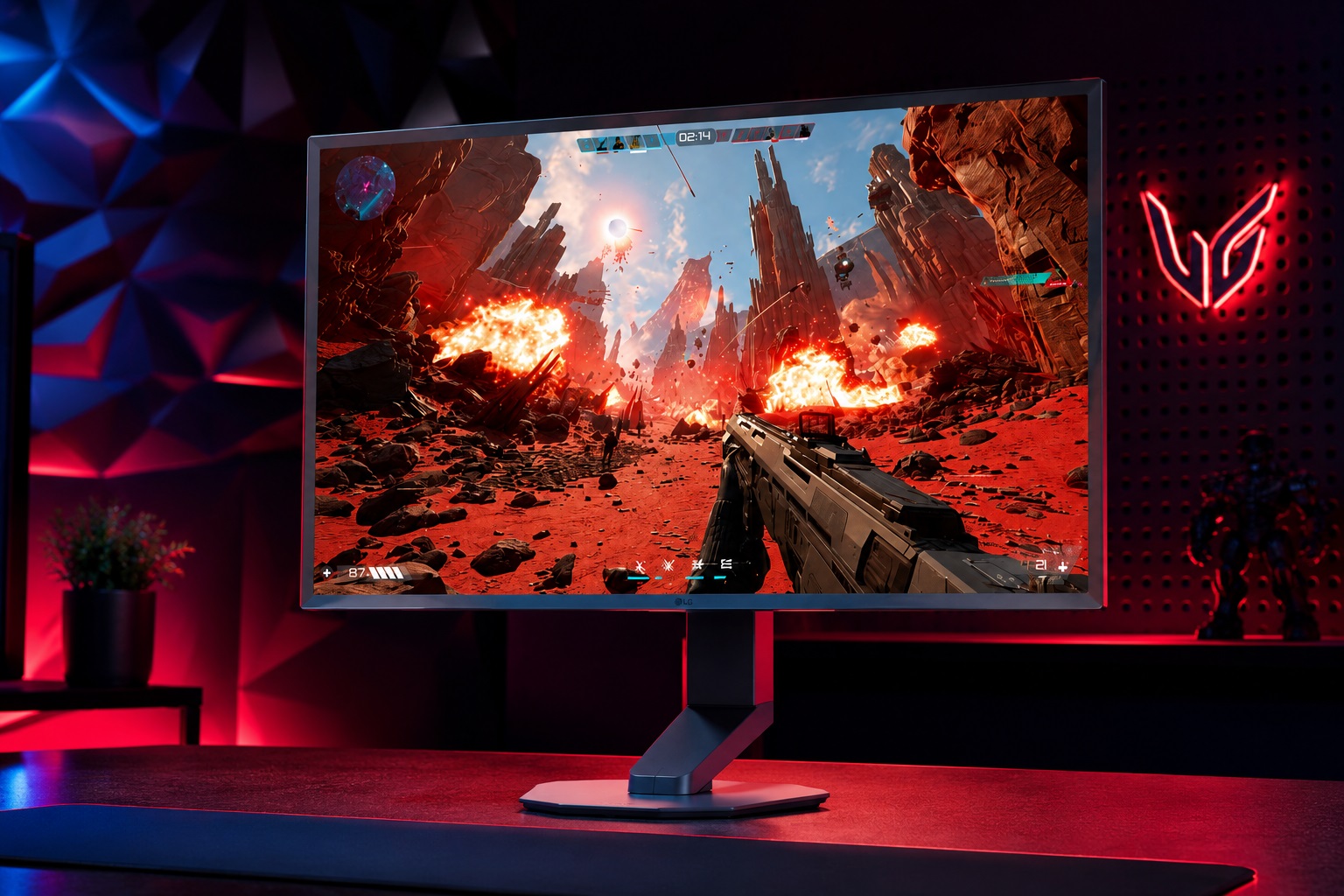
Modern gaming is pushing the boundaries of immersion, but behind every visually stunning scene lies a delicate balancing act. The field-of-view (FOV) setting, often overlooked by casual players, has become a critical variable in how games perform on both high-end desktop rigs and portable systems. A wider FOV can make open-world environments feel more expansive and action sequences more intense, but it also demands more from hardware—leading to thermal throttling, reduced battery life, or compromised frame rates if not managed carefully.
Developers are now treating FOV as more than just a tweakable option; it’s a fundamental part of game design that influences everything from motion sickness to hardware efficiency. The challenge is clear: wider FOVs can enhance immersion by mimicking the natural range of human vision (typically 105–110 degrees), but rendering these angles at high frame rates requires significant computational power. This is where engineering tradeoffs come into play—balancing visual fidelity, performance, and player comfort without leaving users feeling like they’re sacrificing one for the other.
Hardware at the Crossroads
The impact of FOV on hardware isn’t just theoretical. Take a high-end gaming laptop, for example: when FOV is increased to maximize immersion, the GPU’s workload spikes, leading to faster thermal throttling if cooling solutions aren’t up to the task. Some systems now incorporate advanced vapor chambers or liquid metal interfaces to mitigate this, but even then, sustained performance can be tricky. On the other hand, consoles and desktops have more headroom, but they too must account for the increased demand on CPUs and GPUs when FOV is cranked up.
- Wider FOVs require 10–20% more compute power to render the same scene at high frame rates, depending on the complexity of the environment.
- Thermal throttling becomes a bigger issue in portable devices, where cooling solutions are less robust than in desktop setups.
- Dynamic resolution scaling (DRS) is one way to offset these demands, but it introduces its own set of challenges—such as noticeable quality drops if not implemented smoothly.
For developers, this means FOV isn’t just a matter of sliders and presets. It’s about how the game adapts in real time. Some titles now use AI-driven frame rate management to adjust resolution or rendering quality based on the current load, ensuring that players don’t experience stuttering even when FOV is set to maximum. This approach helps maintain smoothness without requiring users to constantly tweak settings themselves.

A Shift in Design Philosophy
The rise of wider FOVs also forces a reevaluation of how games are structured. Open-world titles, for instance, often rely on vast environments where a wider perspective can make navigation feel more natural—but it also means more geometry to render, more textures to load, and more lighting calculations per frame. This is why some developers are experimenting with adaptive FOV systems that adjust dynamically based on the player’s movement or the game’s demands.
Another consideration is how FOV interacts with other graphical features. Anti-aliasing becomes more critical at wider angles, as jagged edges become more noticeable. Post-processing effects, like depth of field or motion blur, also require more processing power when FOV is increased. Developers are fine-tuning these interactions to ensure that visual quality doesn’t degrade, even under heavy load.
The Future: Smarter Solutions
Looking ahead, the industry may see more sophisticated solutions emerge—perhaps leveraging machine learning to predict when a player might experience motion sickness and automatically adjusting FOV or other settings preemptively. Hardware manufacturers are also exploring ways to optimize cooling and power efficiency specifically for high-FOV gaming sessions.
For players, this means games that feel more immersive without the risk of discomfort. For developers and hardware makers, it’s a constant push to innovate—whether through better thermal management, smarter rendering techniques, or adaptive graphical settings. The goal is clear: deliver an experience that’s both visually stunning and comfortable, regardless of whether you’re playing on a high-end desktop or a portable device.
The tradeoff between immersion and comfort isn’t going away anytime soon. But with each generation of games and hardware, the balance is becoming more refined—making it possible to have the best of both worlds without compromise.