When a game promises 4K support, players expect crisp visuals at native resolution—not a scaled-down blur. Yet in *Highguard*, adjusting the post-processing slider doesn’t just tweak shadows or bloom; it silently drops the entire render resolution by 20%, regardless of the settings menu. The result? A game that claims to run at 2160p but instead renders at 1728p when post-processing is set to *Low*, even though the UI insists otherwise.
This isn’t a minor quibble. With an RTX 5070 Ti, the performance gain from lowering post-processing is stark—15 to 20 additional frames—but the tradeoff is a noticeable softness to textures and geometry. The issue persists across resolutions: set post-processing to *Low* at 1080p, and the game renders at roughly 864p, then scales up. The discrepancy suggests a misconfigured pipeline where the post-processing resolution slider is incorrectly linked to the base render resolution, not just the effects.
The bug isn’t just confined to benchmarks. In-game, the difference is immediate: characters and environments lose definition, especially on high-refresh displays where upscaling artifacts become glaring. Players reporting ‘blurry graphics’ may unwittingly be victims of this flaw, compounding frustration over the game’s already mixed reception.
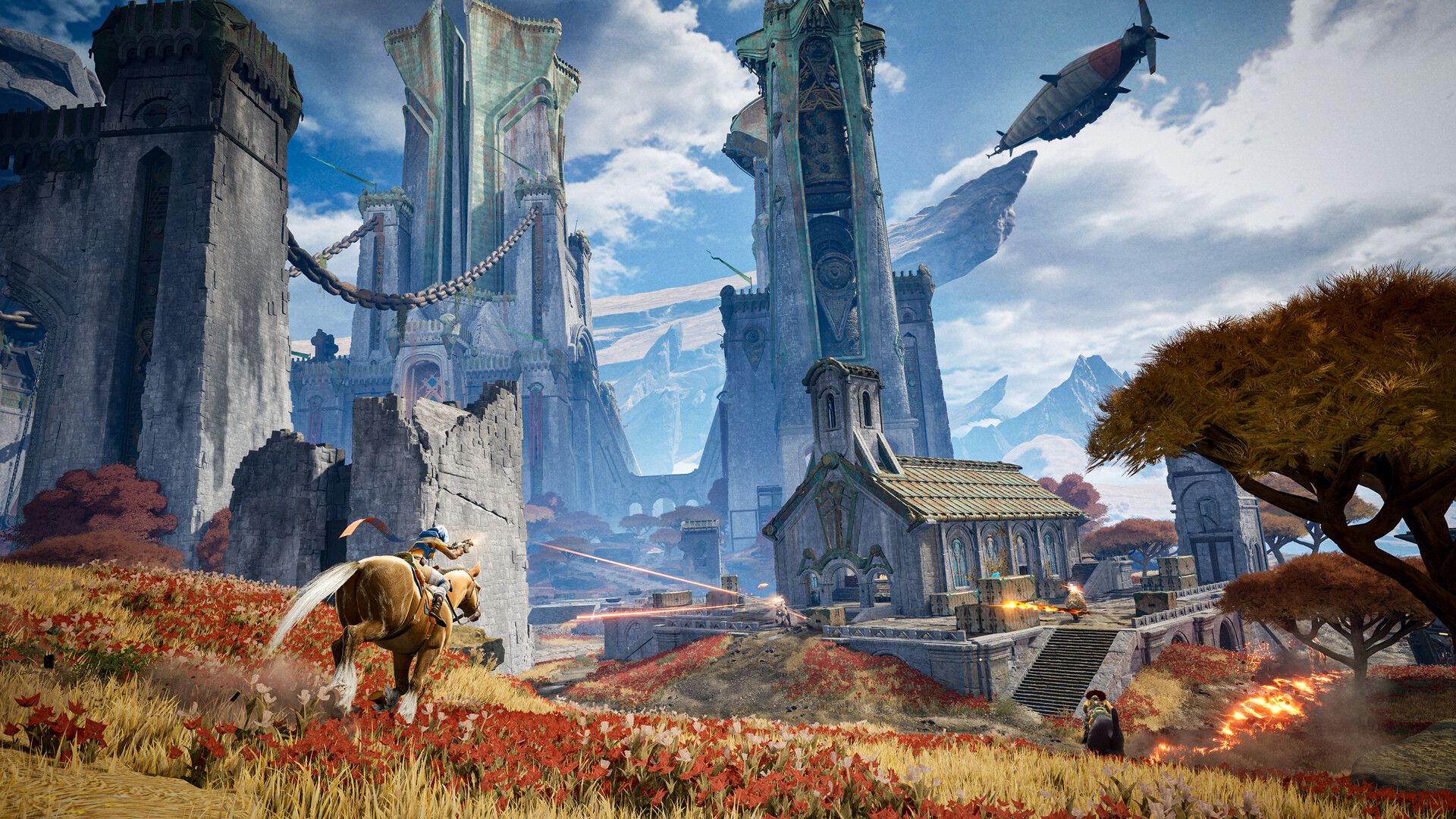
While developers often optimize post-processing by reducing effect resolution, *Highguard* appears to be applying this logic to the entire frame—a likely oversight in the rendering pipeline. The performance boost is real, but the visual compromise undermines the game’s advertised fidelity. For now, users with high-end setups may need to balance sharpness and performance manually, toggling between post-processing levels to find the least objectionable tradeoff.
- Resolution Mismatch: Post-processing *Low* forces 80% of the stated resolution (e.g., 4K → 1728p, 1080p → 864p), despite the UI showing full resolution.
- Performance Gain: 15–20 FPS improvement on RTX 5070 Ti when post-processing is lowered, but at the cost of sharpness.
- Scaling Artifacts: The downscaled frame is upscaled to fit the display, introducing blur and pixelation.
- Community Impact: Repeated ‘blurry graphics’ complaints may stem from players unknowingly triggering this bug while chasing FPS.
The fix would require decoupling the post-processing resolution from the base render resolution—a change that could restore both performance *and* visual integrity. Until then, players will need to weigh whether the frame-rate boost justifies the loss of clarity.